If you’ve ever recorded high-definition TV programs using a digital TV tuner card, chances are you’ve encountered files with the .tp extension. These files are typically high-quality transport stream video formats, but they come with compatibility issues. Most devices and media players don’t support TP files, making it difficult to play, share, or edit your content without conversion.
Fortunately, converting TP to MP4 — a universally supported video format — can resolve these issues instantly. MP4 files are widely compatible across platforms, including smartphones, smart TVs, and editing software. In this guide, we’ll explore how to convert TP files to MP4 quickly. Let’s dive in and make your video files more accessible.
内容: Part 1. What Are TP Files?Part 2. Convert TP Files to MP4 on Windows/MacPart 3. Convert TP Files to MP4 Online部分4。 结论
Part 1. What Are TP Files?
A TP file is a video file captured by TV tuner cards or digital video recorders. The "TP" stands for "Transport Stream Packet," which is a container format used for broadcasting high-definition television. These files typically store MPEG-2的 video data, along with audio and metadata, recorded from over-the-air TV broadcasts.
Why Should We Convert TP to MP4?
- 兼容性: TP files are not compatible with most standard media players. Converting to MP4 makes your videos playable on virtually any device, including phones, tablets, smart TVs, and game consoles.
- 存储效率: TP files are often large due to their uncompressed or less-compressed nature. MP4 files use advanced compression techniques (like H.264), which significantly reduce file size while maintaining high video quality.
- 编辑和分享: MP4 is widely supported by video editing software and social media platforms, making it much easier to work with your video content.
- 性能: Playing TP files can consume more CPU power compared to MP4 files, which are optimized for performance and streaming.
Part 2. Convert TP Files to MP4 on Windows/Mac
How to convert TP to MP4? iMyMac视频转换器 is ideal for users who want a reliable, offline solution for video conversion. It is a powerful and user-friendly desktop tool that supports a wide range of video formats, including TP. The great thing about this tool is that you can also 编辑您的视频 使用它。例如,您可以旋转、修剪、剪切或裁剪视频。您还可以选择使用该工具编辑饱和度、色调、亮度和其他设置。
iMyMac Video Converter的主要功能
- 支持批量转换。
- Offers multiple output formats including MP4, MOV, AVI, and more.
- Built-in video editor with trimming, cropping, and adding effects.
- GPU 加速可实现更快的处理速度。
如何使用iMyMac Video Converter
Let's explore how you can use iMyMac Video Converter to convert TP to MP4 effortlessly.
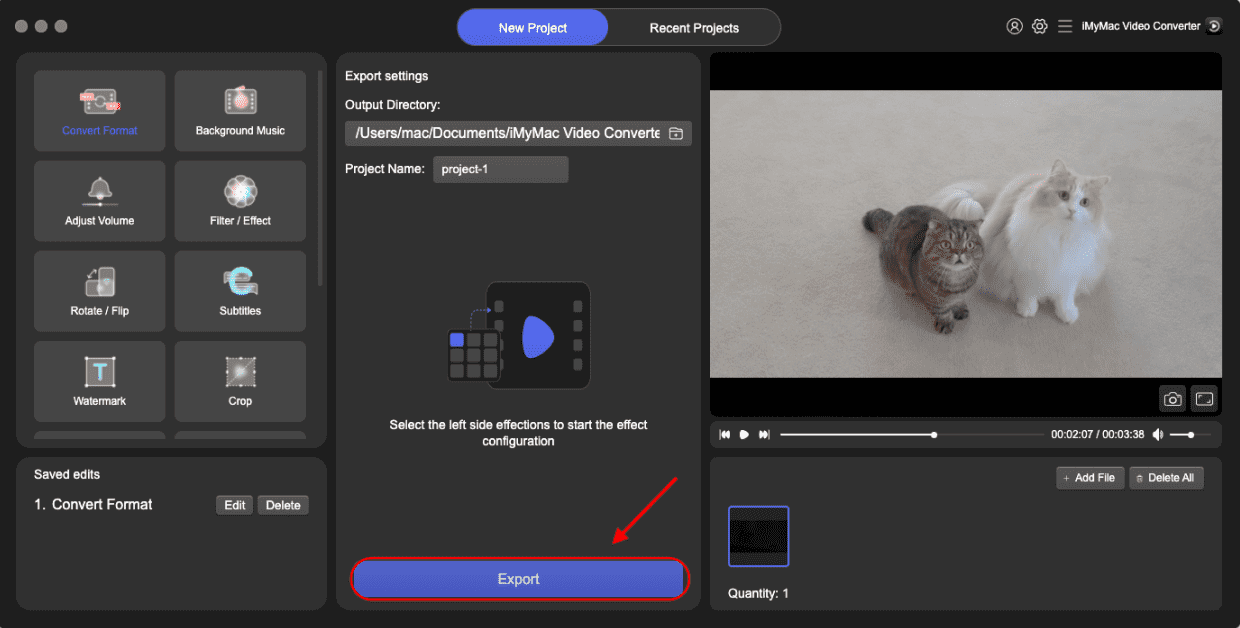
- 在您的计算机上启动 iMyMac Video Converter 软件(Mac 或 Windows 版本)。 完成后,登录您的帐户。
- Another option is to drag and drop the TP file into the system's display.
- A drop-down menu will appear when you click "Convert Format," enabling you to choose the kind of file the original should be converted into, such as MP4.
- 由于用户界面的改进,查找文件修改记录变得更加容易。您可以随意编辑文件。
- 您可以通过选择“保存”来保存所有更改。
- 要开始转换过程,请从工具栏中选择转换选项。
Part 3. Convert TP Files to MP4 Online
If you prefer a no-download solution, there are several free online video converters that can handle TP to MP4 conversion. Here are some reliable tools:
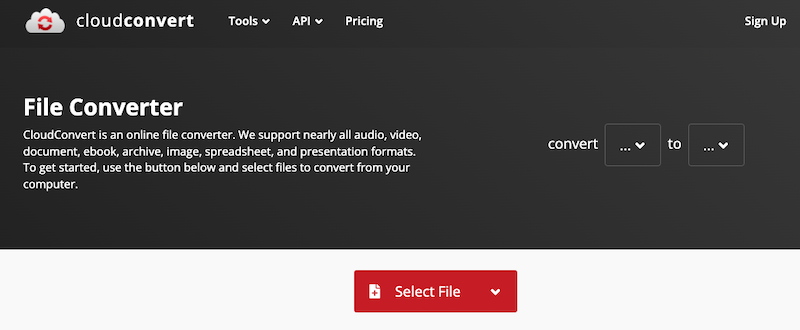
1。 CloudConvert
CloudConvert is a web-based file conversion service that supports over 200 formats, including video, audio, document, image, and archive files. It allows users to convert TP to MP4 easily without installing any software. While it’s free for limited use, CloudConvert also offers paid plans for larger files, more conversions, and faster processing with priority support.

2。 Convertio
Convertio is a popular online file conversion platform that supports a wide range of formats, including video, audio, images, documents, and more. It enables users to convert TP to MP4 directly in the browser without needing to install any software. Convertio offers a simple drag-and-drop interface and allows file uploads from a computer, Google Drive, Dropbox, or via URL. Free users have a file size limit (usually 100MB), while premium plans unlock higher limits and faster conversion.
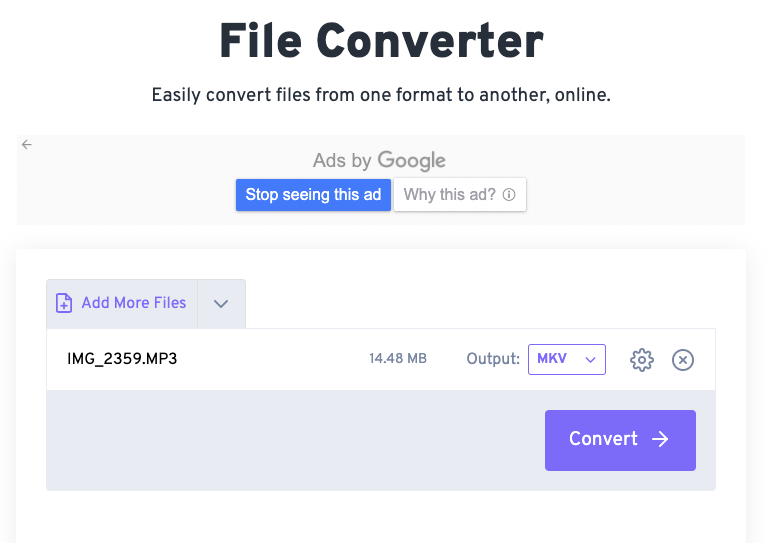
3.免费转换
FreeConvert is a versatile online file conversion tool that supports numerous formats, including video, audio, image, document, and eBook files. FreeConvert features a user-friendly interface and offers customization options such as video codec, screen size, frame rate, and more. The platform uses SSL encryption and deletes files after two hours to ensure privacy. FreeConvert is free for basic use, with premium plans offering larger file size limits and faster processing.

注:
While online tools are convenient for quick, small conversions, iMyMac Video Converter offers better performance for large files and batch processing. Online platforms often cap file size, throttle speed, and depend on your internet connection. In contrast, iMyMac operates entirely offline, ensuring greater speed, higher-quality output, and more control over video settings and editing.
Moreover, iMyMac’s GPU acceleration significantly reduces processing time, which is ideal for converting multiple or large TP files. If you work with video content frequently or need advanced features like trimming, effects, and subtitles, the desktop solution is more versatile and reliable than free online tools.
部分4。 结论
Increased compatibility and flexibility are provided by converting TP to MP4 format. While MP4 has become popular across a wide range of devices and systems, TP files are restricted to broadcast and have less compatibility. Whether you prefer a robust software solution like iMyMac Video Converter or want the simplicity of online tools, there’s a method for every need.
For occasional users with small files, online tools are quick and free. However, for regular use, batch processing, or large files, a dedicated video converter like iMyMac delivers superior performance and functionality. Choose the method that best fits your workflow and start enjoying your TP videos hassle-free.