


 PowerMyMac


Om du är en macOS-användare som behöver ett CV som sticker ut, att hitta rätt CV-skapare för Mac är avgörande. Oavsett om du föredrar rena, minimalistiska mallar eller kreativa, visuellt rika layouter, kan rätt verktyg hjälpa dig att bygga ett professionellt CV på några minuter. I den här guiden utforskar vi de bästa CV-byggarna som fungerar felfritt på Mac och hur du optimerar ditt system för en sömlös designupplevelse.
Innehåll: Del 1. Varför ska du använda en CV-byggare?Del 2. Topp 6 CV-skapare för Mac-användareDel 3. Bonus: Optimera din Mac för att skapa CVDel 4. The Bottom Line
Del 1. Varför ska du använda en CV-byggare?
Skapa ett CV från grunden i Word eller Sidor kan vara tidskrävande, särskilt om du är osäker på formatering, layout eller vad rekryterare förväntar sig. En CV-skapare förenklar processen genom att erbjuda professionellt utformade mallar, smart formatering och dra-och-släpp-funktioner. Dessa verktyg är idealiska för användare som vill ha ett modernt, felfritt CV snabbt och utan designkunskaper.
De flesta CV-byggare inkluderar även hjälpsamma uppmaningar och tips i realtid baserade på din bransch, vilket ökar dina chanser att gå igenom system för uppföljning av sökande (ATS). Många plattformar låter dig till och med förhandsgranska ditt CV i realtid, exportera till PDF och enkelt anpassa avsnitt. Dessutom, om du använder en Mac, kommer du att dra nytta av responsiva layouter, Retina-klara bilder och intuitiva dra-och-släpp-verktyg som känns naturliga i macOS-miljön.
Genom att välja ett CV-verktyg för Mac sparar du tid, förbättrar dina chanser att få en intervju och ser till att ditt CV ser snyggt och professionellt ut, oavsett enhet.
Del 2. Topp 6 CV-skapare för Mac-användare
Här är de bästa CV-skaparna för Mac – utvalda för sin kompatibilitet, användarvänlighet och moderna designfunktioner. Alla fungerar smidigt på macOS.
1. Duk
Canva är en grafisk designplattform som också är en populär CV-skapare för Mac-användare. Canva är ett utmärkt profilbildstillverkare också, vilket gör det möjligt för individer att skapa fantastiska grafiska designer, inklusive profilbilder. Den erbjuder ett dra-och-släpp-gränssnitt med tusentals mallar, inklusive CV:n skräddarsydda för branscher som teknik, design, marknadsföring med mera. Canva fungerar i webbläsaren eller via sin inbyggda macOS-app, och alla mallar är helt anpassningsbara med teckensnitt, färger, ikoner och sektioner.
Prissättning: Gratis med valfritt Pro-abonnemang (12.99 USD/månad)
Alla tillgångar på ett och samma ställe
- Moderna, anpassningsbara CV-mallar
- Enkelt dra-och-släpp-gränssnitt
- Fungerar i Safari, Chrome eller datorprogram
Nackdelar:
- Vissa mallar och funktioner kräver Pro-abonnemang
- Inte ATS-optimerad som standard
2. Resume.io
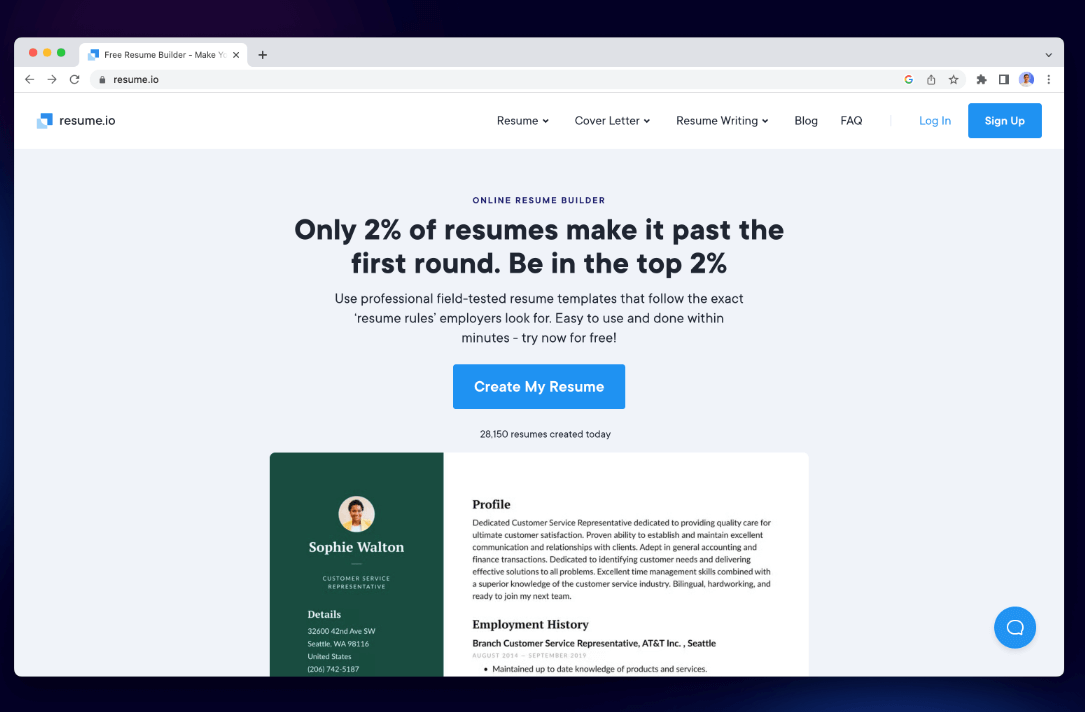
Resume.io är en dedikerad CV-byggare som fokuserar på användarvänlighet och professionella resultat. Denna CV-skrivningstjänst erbjuder guidad skrivning, formatering i realtid och flera exportalternativ. Perfekt för arbetssökande som vill skapa CV som enkelt klarar ATS-skanningar. Fungerar perfekt i Safari eller Chrome på macOS.
Prissättning: Gratis (endast TXT), Premium från 2.95 USD/vecka
Alla tillgångar på ett och samma ställe
- ATS-vänliga mallar
- Steg-för-steg-skapande av CV
- Följebrevsbyggare ingår
Nackdelar:
- PDF-nedladdningar kräver ett betalt abonnemang
- Mallanpassning är något begränsad
3. Ny sammanfattning
Novorésumé är ett smart CV-verktyg för Mac som kombinerar design och funktionalitet. Med avsnitt som "Prestationer", "Språk" och "Mjuka färdigheter" är det perfekt för arbetssökande som vill sticka ut. Gränssnittet är rent och mallarna anpassar sig bra på Retina-skärmar. Det erbjuder också CV-tips och förslag medan du skapar ditt CV.
Prissättning: Gratisversion tillgänglig; Premiumversion börjar på 16 USD/månad
Alla tillgångar på ett och samma ställe
- Avancerade CV-avsnitt
- Retina-vänligt användargränssnitt
- Skrivförslag i realtid
Nackdelar:
- Begränsade mallar i gratisversionen
- PDF-anpassning begränsad till betald plan
4. Fortsätt Genius
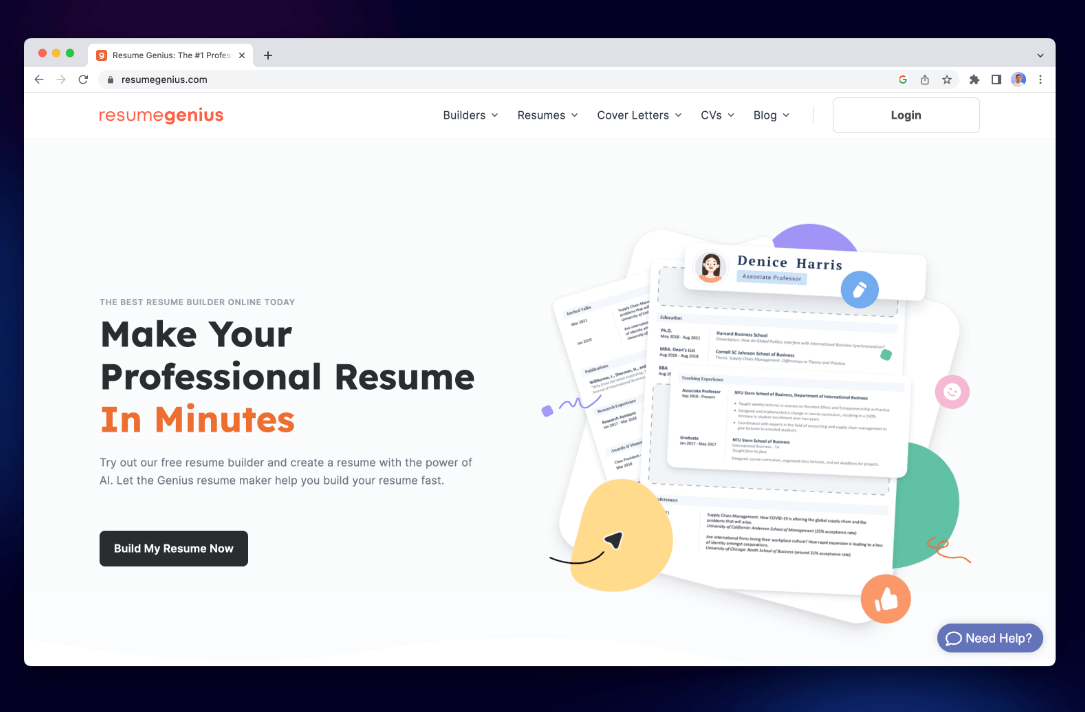
Resume Genius är ett enkelt och nybörjarvänligt CV-verktyg för Mac som guidar dig genom varje avsnitt i ditt CV med frågor och färdiga förslag. Det är perfekt för användare som vill ha hjälp med att skriva punktlistor eller formatera för ATS (applicant tracking systems). Det fokuserar på snabb och funktionell CV-skapande – perfekt om du har bråttom eller behöver inspiration för formuleringar och layout.
Prissättning: Gratis att bygga; nedladdning kostar 2.95 USD (14 dagars provperiod), sedan 23.95 USD/månad om den inte avbokas
Alla tillgångar på ett och samma ställe
- Extremt nybörjarvänligt
- ATS-kompatibla mallar
- Förskrivna innehållsförslag
- Fungerar smidigt på Mac-webbläsare
Nackdelar:
- Betalvägg för PDF-nedladdning
- Begränsad designanpassning
- Automatisk förnyelse överraskar vissa användare
5. Zety
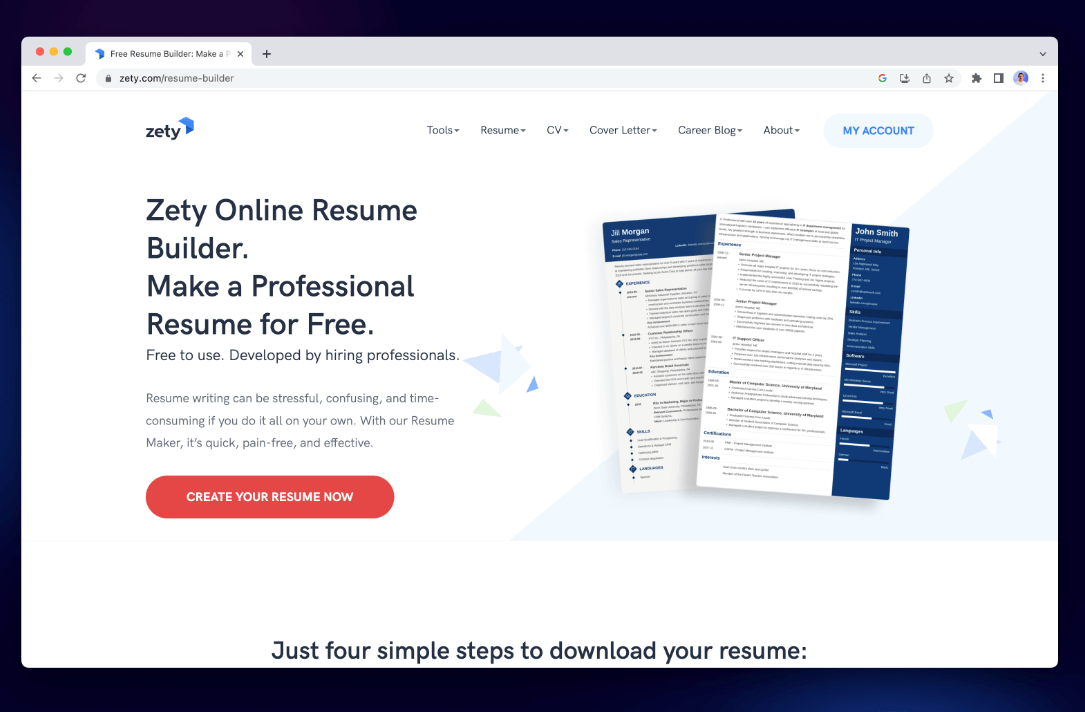
Zety är en kraftfull webbaserad CV-skapare för Mac som erbjuder färdiga innehållsblock och moderna mallar. Den är idealisk för användare som behöver inspiration eller vägledning när de skapar sina CV. Plattformen fungerar bra i macOS-webbläsare och hjälper till med både CV- och personligt brevskrivande.
Prissättning: Gratis att bygga; betald nedladdning (~2.70 USD/vecka)
Alla tillgångar på ett och samma ställe
- Inbyggda innehållsförslag
- Rena, moderna layouter
- Perfekt för nybörjare
Nackdelar:
- Måste betala för export
- Begränsad kontroll över fina layoutdetaljer
6. CV-ingenjör
CV Engineer är ett elegant och rekryterarbaserat CV-verktyg för Mac, utformat för att hjälpa dig skapa ett professionellt CV på cirka 10 minuter. CV Engineer har rena, ATS-vänliga mallar och låter användare lägga till avsnitt, anpassa formatering och exportera sina CV som eleganta PDF-filer. Det är perfekt för Mac-användare som vill ha ett snabbt och enkelt verktyg som fortfarande levererar resultat av professionell kvalitet. Det är gratis att använda, med valfria köp i appen för att låsa upp ytterligare funktioner och CV-stilar.
Prissättning: Gratis att bygga; nedladdning och premiummallar kostar 5.99 USD (engångsavgift), eller prenumerera för 6.99 USD/månad, med ett livstidsalternativ på 17.99 USD–29.99 USD om det inte avslutas.
Alla tillgångar på ett och samma ställe
- Vägledning i appen från en rekryterare för chefer
- ATS-vänlig formatering
- Mallar, PDF-export och valfri fotoinkludering
- Gratis att använda med valfria köp i appen
Nackdelar:
- Köp i appen kan låsa upp ytterligare mallar eller funktioner
- Begränsad designanpassning jämfört med verktyg som Canva
Del 3. Bonus: Optimera din Mac för att skapa CV
Att skapa ett CV kanske inte är lika krävande som videoredigering, men att ha ett responsivt system kan göra stor skillnad, särskilt när man använder designverktyg som Canva eller exporterar stora filer. iMyMac PowerMyMac är ett smart verktyg för macOS som rensar bort skräpfiler från systemet, optimerar RAM-minne, övervakar CPU och ökar systemets prestanda. Det är en praktisk följeslagare när du arbetar med kreativa eller produktivitetsuppgifter, som att använda en CV-skapare för Mac.
Nyckelfunktioner:
- Smart städare: Tar snabbt bort systemskräp, cachefiler och tillfällig data för att frigöra värdefullt diskutrymme.
- App-avinstallerare: Tar bort oönskade appar och deras kvarvarande filer helt.
- Duplicate Finder: Lokaliserar och tar bort dubbletter av filer som tar upp ditt lagringsutrymme.
- Pappers strimlare: Tar säkert bort känsliga filer som inte kan återställas.
- Privat skydd: Raderar webbhistorik, cookies och appspår för att skydda dina data.
- Performance Monitor: Håller koll på din CPU-, minnes- och lagringsanvändning i realtid.
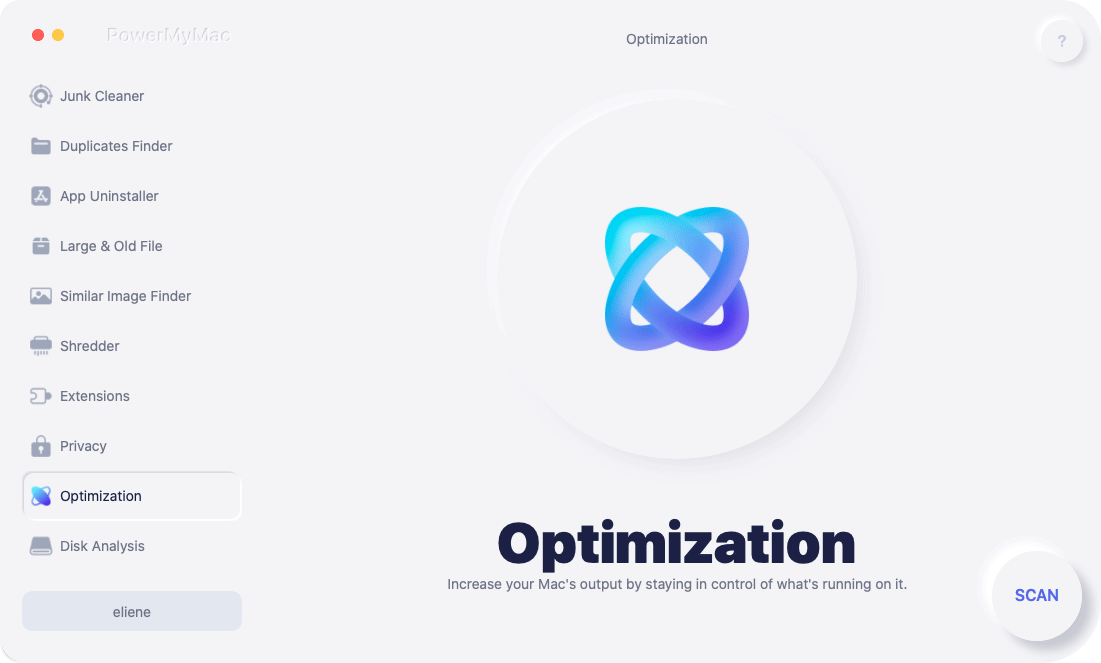
Avmattningar från rörig lagring eller bakgrundsappar kan avbryta ditt arbetsflöde. Att köra PowerMyMac innan du skapar ditt CV säkerställer att ditt system är snabbt, rent och distraktionsfritt. Till exempel kommer export av en stor PDF eller hantering av högupplösta Canva-mallar att fungera smidigare efter att RAM-minne och systemstörningar har frigjorts.
Del 4. The Bottom Line
Att välja rätt CV-skapare för Mac kan spara dig timmar och resultera i ett polerat och jobbvinnande CV. Även om CV-skapandet inte kräver avancerade specifikationer, gör en optimerad Mac processen smidigare. Verktyg som PowerMyMac säkerställer att ditt system körs störningsfritt, vilket ger dig en bättre miljö för att designa, redigera och exportera ditt CV med tillförsikt.
Så välj det CV-verktyg som passar ditt arbetsflöde och din stil – och glöm inte att ge din Mac en snabb uppfräschning innan du klickar på "Ladda ner PDF". En ren och snabb Mac låter dig fokusera på det som är viktigt: att få den där jobbintervjun.


