Ny lanseringsrea
för skärminspelare


Senaste artiklarna
Vill du veta hur man spelar in skärm med ljud i QuickTime på din Mac eller iPhone/iPad? Lär dig de detaljerade och enkla stegen i den här artikeln.
I den här artikeln kommer vår huvudsakliga diskussion att handla om hur man tar skärmdumpar på Asus-bärbara datorer. Flera metoder för hur det kan göras kommer att delas här.
I det här inlägget får du lära dig om de bästa OBS-inspelningsinställningarna på enklare datorer, för spel och streaming. Fortsätt läsa för att lära dig mer.
Om du vill lära dig hur du streamar Switch på Discord men är osäker på hur du gör det, hittar du användbara guider i den här artikeln för att enkelt streama din Switch.
Det skulle vara irriterande att stöta på problem som "Discord-skärmdelning utan ljud" när appen används. För att hjälpa till listar vi lösningar i den här artikeln åt dig.
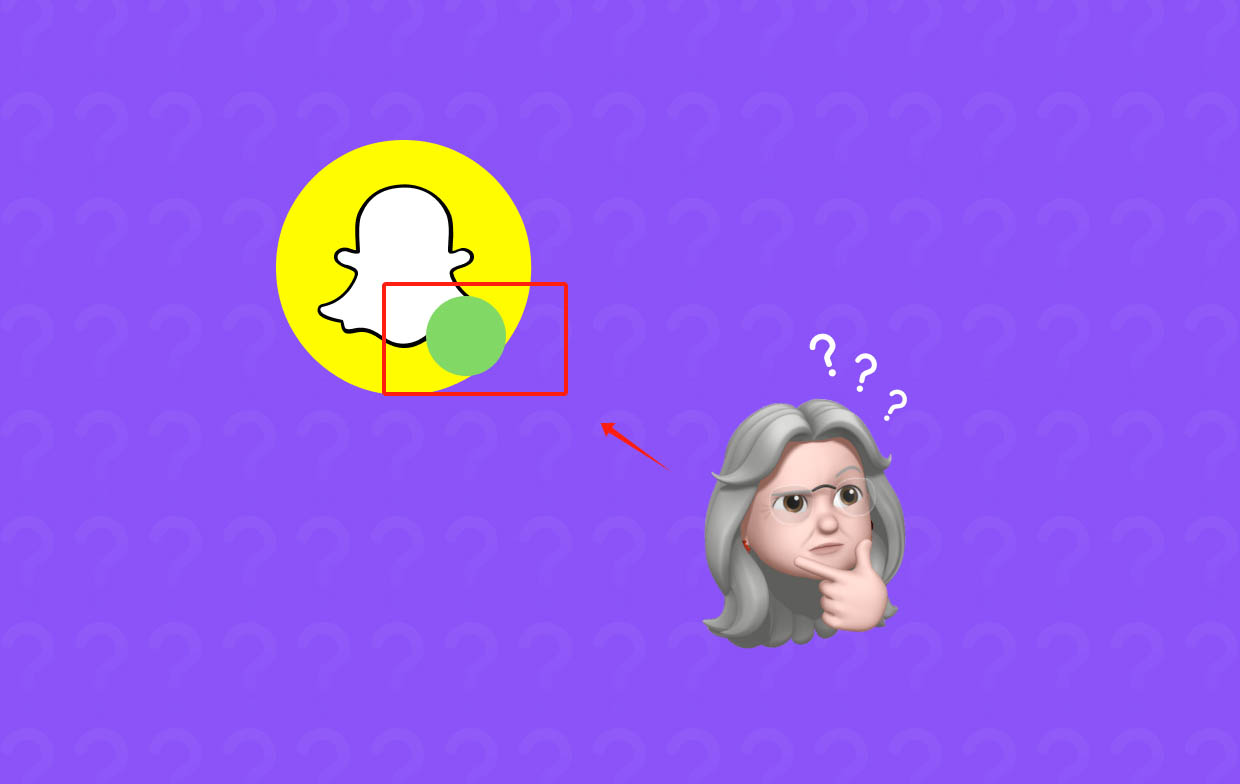
Har du någonsin undrat vad den gröna pricken i appen eller högst upp på skärmen är till för när du använder Snapchat? Om du är nyfiken på det, läs då det här inlägget.
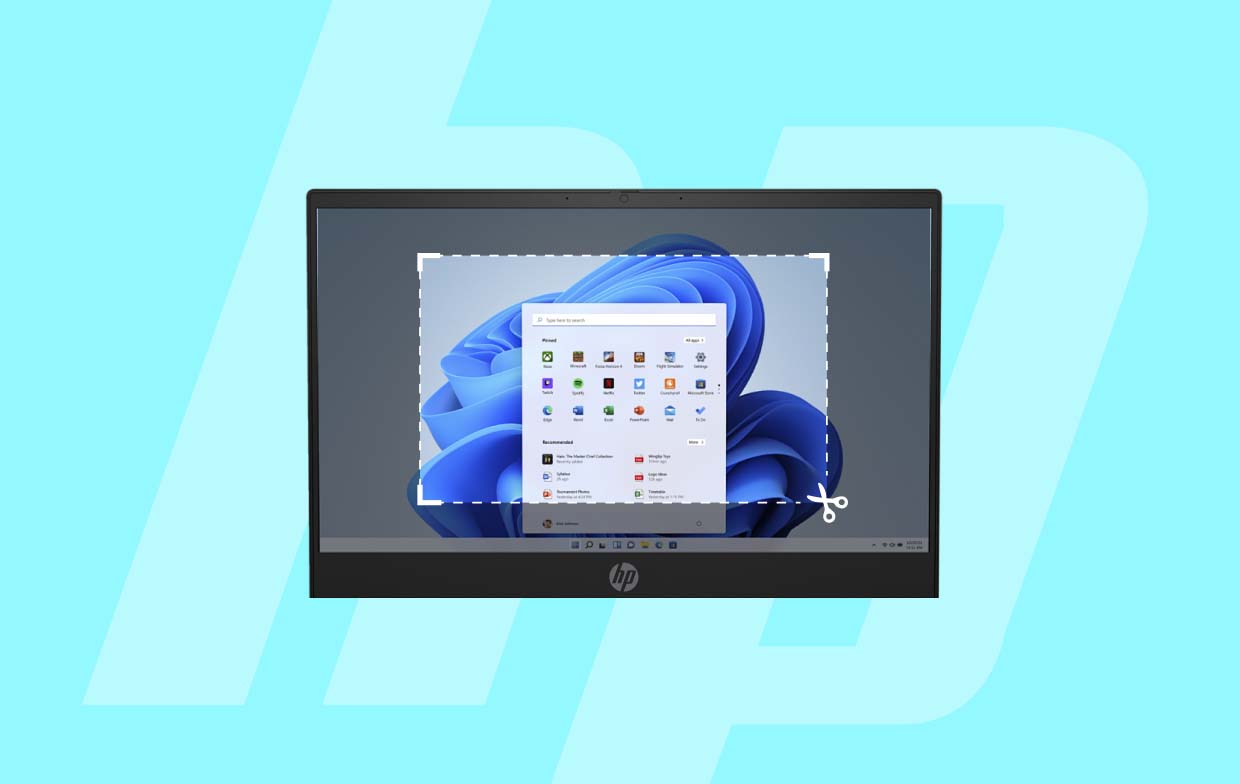
Om du funderar på hur man tar skärmdumpar på HP-bärbara datorer utan problem, då har du kommit till rätt ställe. Vi visar dig enkla sätt i det här inlägget.
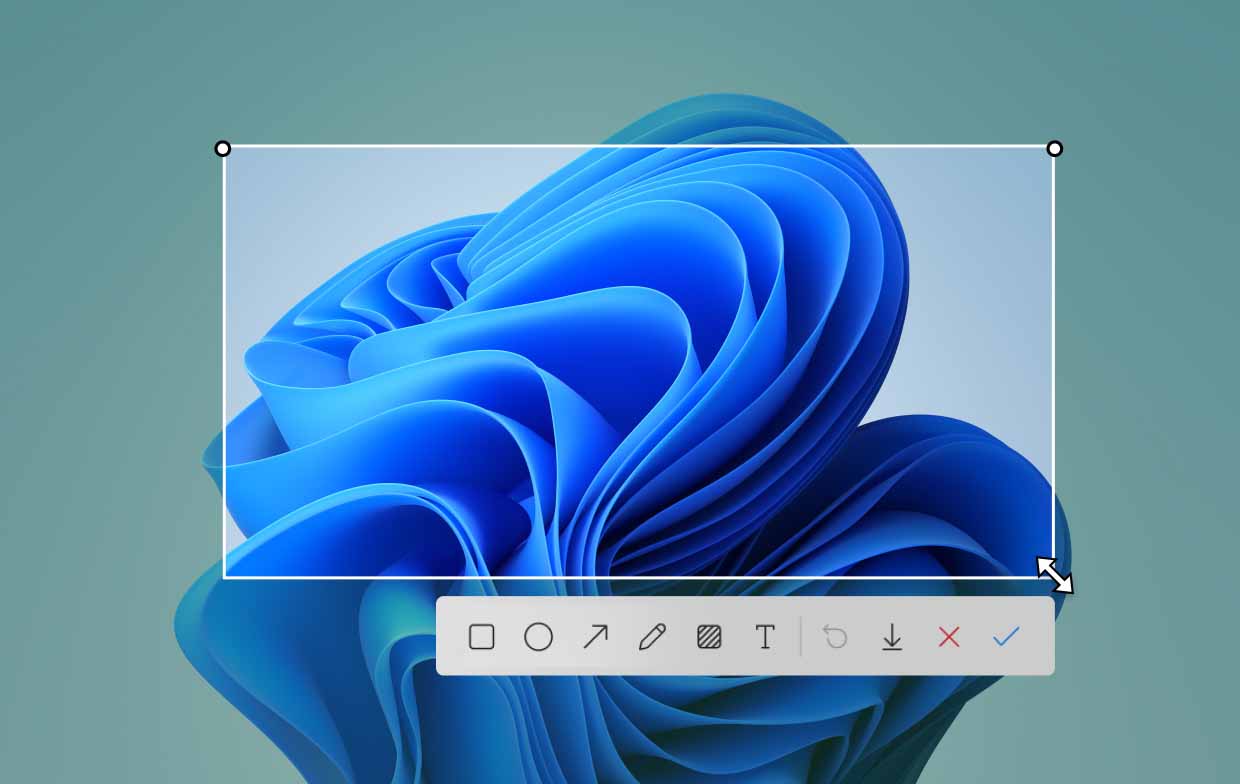
Att veta hur man tar skärmdumpar i Windows 11 skulle vara användbart för de flesta. Vi guidar dig igenom de effektiva metoderna för att göra detta i det här inlägget.
”Är det olagligt att spela in någon utan deras tillstånd?” Har du funderat på den här frågan? Vi ska prata om alla detaljer kring detta ämne här.
Upphovsrätt © 2025 iMyMac. Alla rättigheter förbehållna.
 använder cookies för att säkerställa att du får den bästa upplevelsen på vår webbplats. Klicka Integritetspolicy att lära sig mer.

Du är nästan klar.
Prenumerera på våra bästa erbjudanden och nyheter om iMyMac-appar.
Varma snabba
Denna programvara kan endast laddas ner och användas på Mac. Du kan ange din e-postadress för att få nedladdningslänken och rabattkoden. Om du vill köpa programvaran, vänligen klicka på lagra.
Ange en giltig e-postadress.
Tack för din prenumeration!
Tack för din prenumeration!
Nedladdningslänken och kupongkoden har skickats till din e-postadress user@email.com. Du kan också klicka på knappen för att köpa programvaran direkt.
Köp nu