


 PowerMyMac


If you're a macOS user in need of a standout CV, finding the right resume maker for Mac is crucial. Whether you prefer clean, minimalist templates or creative, visually-rich layouts, the right tool can help you build a professional resume in minutes. In this guide, we’ll explore the best resume builders that work flawlessly on Mac and how to optimize your system for a seamless design experience.
Contents: Part 1. Why Should You Use a Resume Builder?Part 2. Top 6 Resume Makers for Mac UsersPart 3. Bonus: Optimize Your Mac for Resume CreationPart 4. The Bottom Line
Part 1. Why Should You Use a Resume Builder?
Creating a resume from scratch in Word or Pages can be time-consuming, especially if you’re unsure about formatting, layout, or what recruiters expect. A resume maker simplifies this process by offering professionally designed templates, smart formatting, and drag-and-drop features. These tools are ideal for users who want a modern, error-free resume quickly and without design skills.
Most resume builders also include helpful prompts and real-time tips based on your industry, which increases your chances of passing through applicant tracking systems (ATS). Many platforms even let you preview your resume in real time, export to PDF, and customize sections easily. Plus, if you're using a Mac, you’ll benefit from responsive layouts, Retina-ready visuals, and intuitive drag-and-drop tools that feel natural within the macOS environment.
By choosing a resume maker for Mac, you're saving time, improving your chances of landing an interview, and ensuring your resume looks polished and professional from any device.
Part 2. Top 6 Resume Makers for Mac Users
Here are the top resume makers for Mac—chosen for their compatibility, ease of use, and modern design features. All work seamlessly on macOS.
1. Canva
Canva is a graphic design platform that’s also a popular resume maker for Mac users. Canva is a great profile picture maker as well, which allows individuals to create amazing graphic designs, including profile pictures. It offers a drag-and-drop interface with thousands of templates, including resumes tailored to industries like tech, design, marketing, and more. Canva works in-browser or through its native macOS app, and all templates are fully customizable with fonts, colors, icons, and sections.
Pricing: Free with optional Pro plan ($12.99/month)
Pros:
- Modern, customizable resume templates
- Easy drag-and-drop interface
- Works on Safari, Chrome, or desktop app
Cons:
- Some templates and features require Pro plan
- Not ATS-optimized by default
2. Resume.io
Resume.io is a dedicated resume builder that focuses on ease of use and professional results. This resume writing service features guided writing, real-time formatting, and multiple export options. Ideal for job seekers who want to build resumes that pass ATS scans with ease. Works perfectly in Safari or Chrome on macOS.
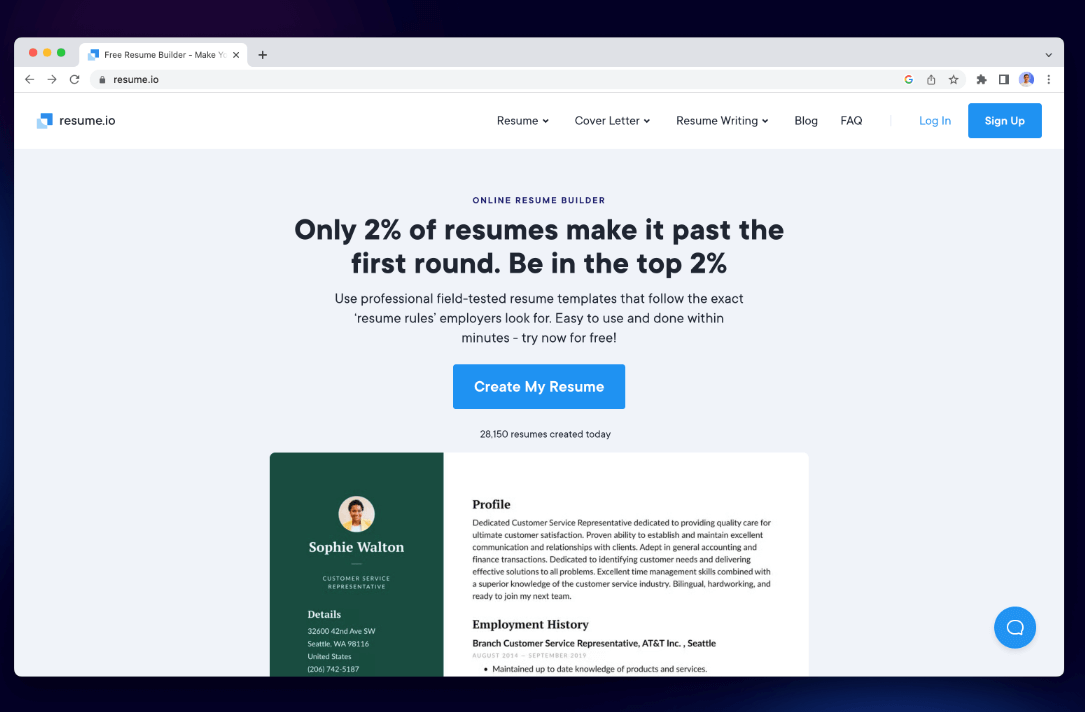
Pricing: Free (TXT only), Premium from $2.95/week
Pros:
- ATS-friendly templates
- Step-by-step resume creation
- Cover letter builder included
Cons:
- PDF downloads require a paid plan
- Template customization is somewhat limited
3. Novorésumé
Novorésumé is a smart resume maker for Mac that blends design and functionality. With sections like “Achievements,” “Languages,” and “Soft Skills,” it’s perfect for job seekers looking to stand out. The interface is clean, and templates adapt well on Retina displays. It also offers resume tips and suggestions as you build.
Pricing: Free version available; Premium starts at $16/month
Pros:
- Advanced resume sections
- Retina-friendly UI
- Real-time writing suggestions
Cons:
- Limited templates in the free version
- PDF customization restricted to paid plan
4. Resume Genius
Resume Genius is a straightforward, beginner-friendly resume builder for Mac that guides you through each section of your resume with questions and pre-written suggestions. It's ideal for users who want help writing bullet points or formatting for ATS (applicant tracking systems). It’s focused on fast, functional resume creation—great if you're in a hurry or need inspiration for phrasing and layout.
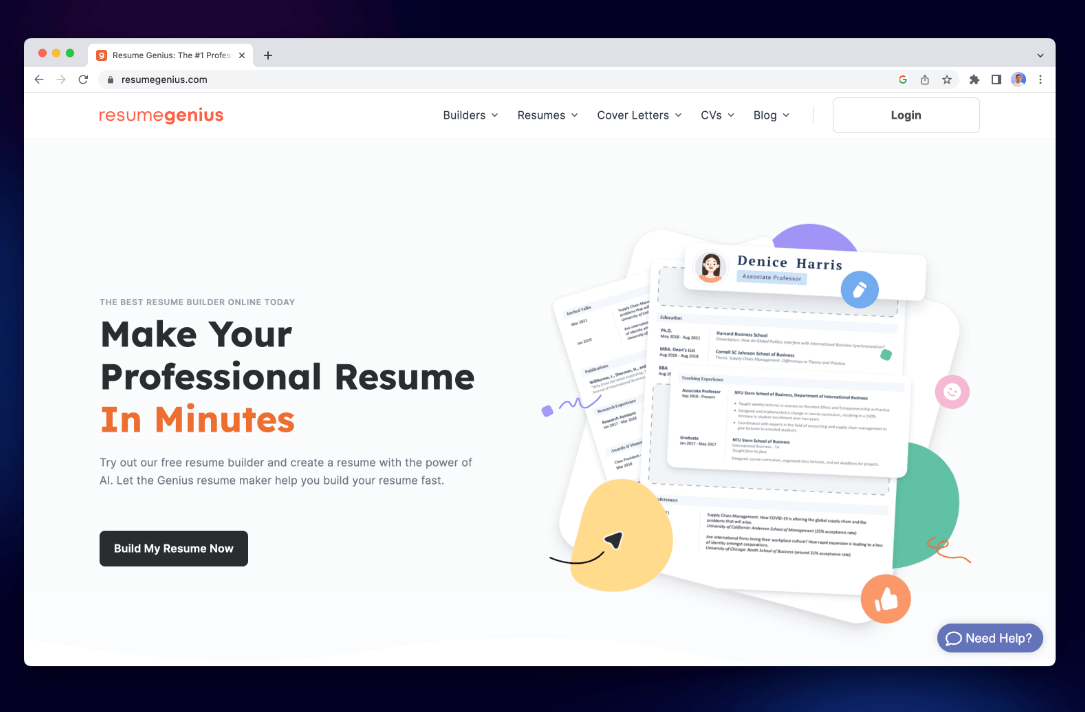
Pricing: Free to build; download costs $2.95 (14-day trial), then $23.95/month if not canceled
Pros:
- Extremely beginner-friendly
- ATS-compliant templates
- Pre-written content suggestions
- Works smoothly on Mac browsers
Cons:
- Paywall for PDF download
- Limited design customization
- Auto-renewal catches some users off guard
5. Zety
Zety is a powerful web-based resume maker for Mac that offers pre-written content blocks and modern templates. It’s ideal for users who need inspiration or guidance while crafting their resumes. The platform works well on macOS browsers and helps with both resume and cover letter writing.
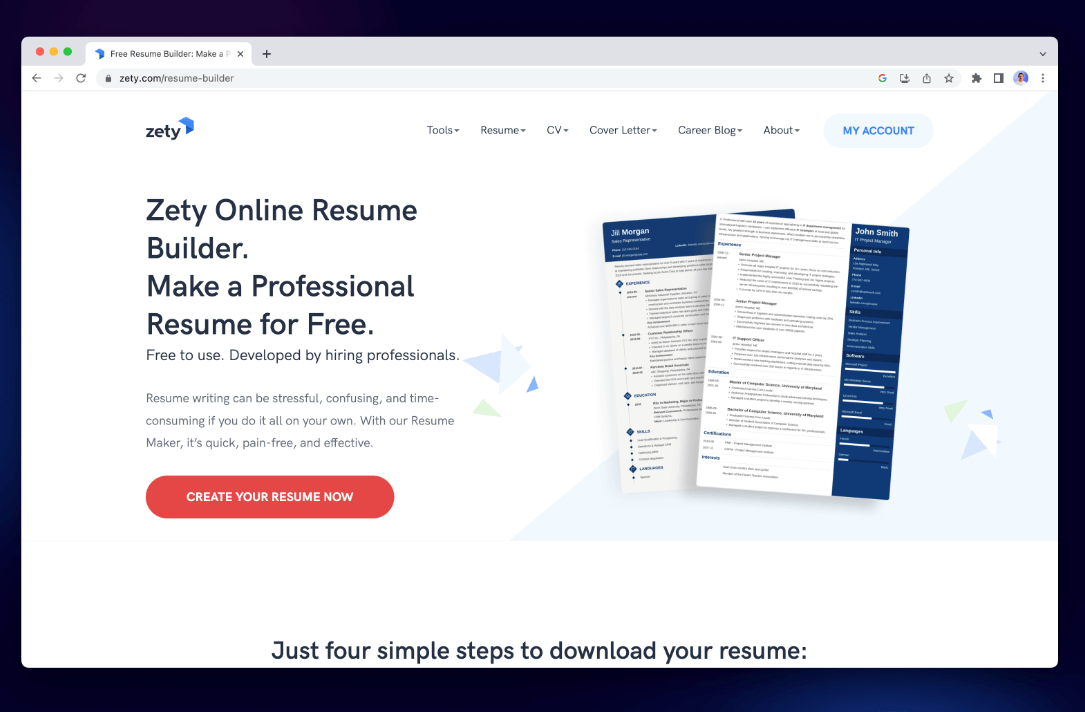
Pricing: Free to build; paid download (~$2.70/week)
Pros:
- Built-in content suggestions
- Clean, modern layouts
- Great for beginners
Cons:
- Must pay to export
- Limited control over fine layout details
6. CV Engineer
CV Engineer is a polished and recruiter-backed resume maker for Mac, designed to help you craft a professional CV in about 10 minutes. CV Engineer features clean, ATS-friendly templates and allows users to add sections, customize formatting, and export their resumes as polished PDFs. It's ideal for Mac users who want a fast, no-fuss tool that still delivers professional-quality results. It’s free to use, with optional in-app purchases to unlock additional features and resume styles.
Pricing: Free to build; download and premium templates cost $5.99 (one-time), or subscribe at $6.99/month, with a $17.99–$29.99 lifetime option if not canceled.
Pros:
- In‑app guidance from an executive recruiter
- ATS-friendly formatting
- Templates, PDF export, and optional photo inclusion
- Free to use with optional in‑app purchases
Cons:
- In‑app purchases may unlock additional templates or features
- Limited design customization compared to tools like Canva
Part 3. Bonus: Optimize Your Mac for Resume Creation
Creating a resume may not be as demanding as video editing, but having a responsive system can make a big difference, especially when using design tools like Canva or exporting large files. iMyMac PowerMyMac is a smart utility for macOS that clears out system junk files, optimizes RAM, monitors CPU, and boosts system performance. It’s a helpful companion when working on creative or productivity tasks, like using a resume maker for Mac.
Key Features:
- Smart Cleaner: Quickly removes system junk, cache files, and temporary data to reclaim valuable disk space.
- App Uninstaller: Completely removes unwanted apps and their leftover files.
- Duplicate Finder: Locates and deletes duplicate files eating up your storage.
- File Shredder: Securely deletes sensitive files beyond recovery.
- Privacy Protection: Erases browsing history, cookies, and app traces to protect your data.
- Performance Monitor: Keeps tabs on your CPU, memory, and storage usage in real time.
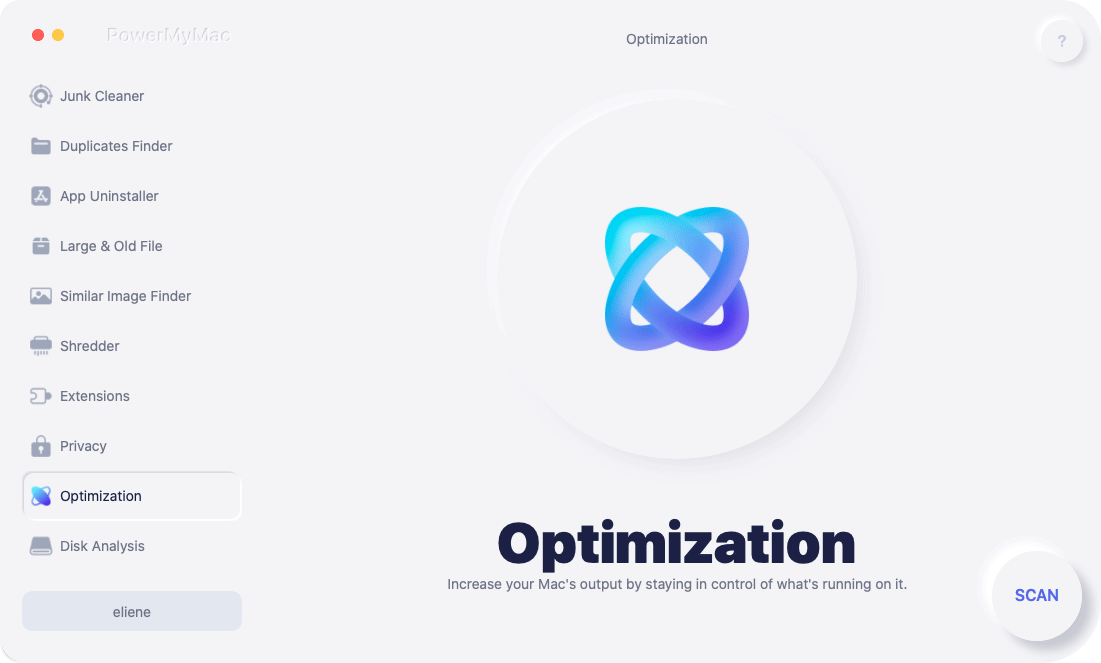
Slowdowns from cluttered storage or background apps can interrupt your workflow. Running PowerMyMac before building your resume ensures your system is fast, clean, and distraction-free. For example, exporting a large PDF or handling high-res Canva templates will run smoother after freeing up RAM and clearing system clutter.
Part 4. The Bottom Line
Choosing the right resume maker for Mac can save you hours and result in a polished, job-winning resume. While resume building doesn’t demand high-end specs, an optimized Mac makes the process smoother. Tools like PowerMyMac ensure your system runs distraction-free, giving you a better environment to design, edit, and export your resume with confidence.
So pick the resume maker that suits your workflow and style—and don’t forget to give your Mac a quick tune-up before you hit "Download PDF." A clean, fast Mac lets you focus on what matters: landing that job interview.


