


 Video Converter


Are you struggling to play or edit your 3G2 videos? Look no further! Converting 3G2 to AVI format can provide compatibility and flexibility for your multimedia needs. In this article, we will explore a hassle-free method to convert 3G2 to AVI effortlessly. Whether you want to watch your videos on different devices or edit them using popular software, this guide will walk you through the process, enabling you to transform your videos in no time. Say goodbye to compatibility issues and let's dive into the world of 3G2 to AVI conversion.
Contents: Part 1. Do I Need to Convert 3G2 Files? Part 2. How to Convert 3G2 to AVI Easily?Part 3. How to Convert 3G2 to AVI for Free Online?Part 4. Conclusion
Part 1. Do I Need to Convert 3G2 Files?
The 3G2 and AVI formats are two commonly used video file formats with distinct characteristics and purposes. Understanding their differences can help you make an informed decision when choosing the output format for your video conversion needs.
The 3G2 format, also known as 3GPP2, is primarily used for video streaming on mobile devices. It was developed as an extension of the 3GP format and is commonly associated with older mobile phones and some digital cameras. 3G2 files typically have smaller file sizes, making them convenient for transferring and sharing videos on mobile networks. However, due to their specific encoding, 3G2 files may not be compatible with all media players or video editing software.
On the other hand, AVI, which stands for Audio Video Interleave, is a versatile video container format widely supported across various platforms. It was introduced by Microsoft in the early 1990s and has since become a popular choice for storing video content. AVI files are known for their high-quality video and audio playback, making them suitable for a wide range of applications, including professional video editing, multimedia playback, and archiving.
When considering the choice between 3G2 and AVI formats for output, there are a few factors to consider. While 3G2 files may be more convenient for mobile devices due to their smaller sizes, AVI files offer broader compatibility and flexibility. AVI videos can be played on a wide range of media players, including both desktop and mobile platforms, without requiring additional codecs or conversion. Additionally, AVI files are widely supported by video editing software, allowing for seamless editing and manipulation of your videos.
Why Convert 3G2 Files to Another File Format?
There are several reasons why you might want to convert 3G2 files to another file format:
● Compatibility: 3G2 files are primarily associated with older mobile devices and may not be compatible with all media players or video editing software. By converting them to a more widely supported format, such as AVI, you ensure that your videos can be played and edited on a broader range of devices and software.
● Quality and Flexibility: Converting 3G2 files to another format can allow you to preserve or enhance the quality of your videos. Some formats, like AVI, offer higher video and audio quality, providing a better viewing experience. Additionally, converting to a different format can provide more flexibility in terms of customization, editing options, and adding special effects to your videos.
● Editing Capabilities: While 3G2 files may be playable on certain devices, they might lack the necessary features and compatibility for advanced video editing. Converting to a format like AVI opens up a wider range of editing possibilities, as AVI files are well-supported by popular video editing software. This allows you to edit and enhance your videos with greater precision and creativity.
● Sharing and Distribution: If you plan to share your videos with others or upload them to online platforms, converting 3G2 files to a commonly supported format can ensure that your videos can be easily accessed and viewed by a larger audience. It eliminates the risk of compatibility issues and allows for smoother sharing and distribution of your video content.
● Archiving and Long-term Preservation: Converting 3G2 files to a more standard format can be beneficial for archiving purposes. By choosing a widely supported format with good preservation qualities, you can ensure the long-term accessibility and viability of your video files, even as technology evolves.
Converting 3G2 files to another file format provides improved compatibility, enhanced quality, expanded editing capabilities, easier sharing, and better long-term preservation. By choosing the right format, you can overcome limitations associated with 3G2 files and unlock the full potential of your videos.
Part 2. How to Convert 3G2 to AVI Easily?
When it comes to converting 3G2 files to AVI format, iMyMac Video Converter is an excellent choice. iMyMac Video Converter is a versatile and user-friendly 3G2 converter that allows you to convert videos between various formats effortlessly. Besides AVI, it can also help you easily convert 3G2 to MP4.
With its intuitive interface and powerful features, it provides a seamless conversion process that even beginners can navigate with ease.
1. Download and Install iMyMac Video Converter: Visit the official website at https://www.imymac.com/video-converter and download iMyMac Video Converter. Follow the on-screen instructions to install it on your computer.
2. Launch the Software: Once installed, launch iMyMac Video Converter on your computer. You will be greeted by its clean and user-friendly interface.
3. Add 3G2 Files: Click on the "Add Files" button or drag and drop your 3G2 files into the software. You can add multiple files for batch conversion.
4. Select AVI as the Output Format: Choose AVI as the desired output format. You can also customize the output settings by clicking on the gear icon next to the format.
5. Choose Output Folder: Select the destination folder where you want to save the converted AVI files.
6. Start the Conversion: Click on the "Convert" button to begin the conversion process. You can monitor the progress of the conversion in real-time.
7. Locate the Converted Files: Once the conversion is complete, you can find the converted AVI files in the output folder you specified earlier.
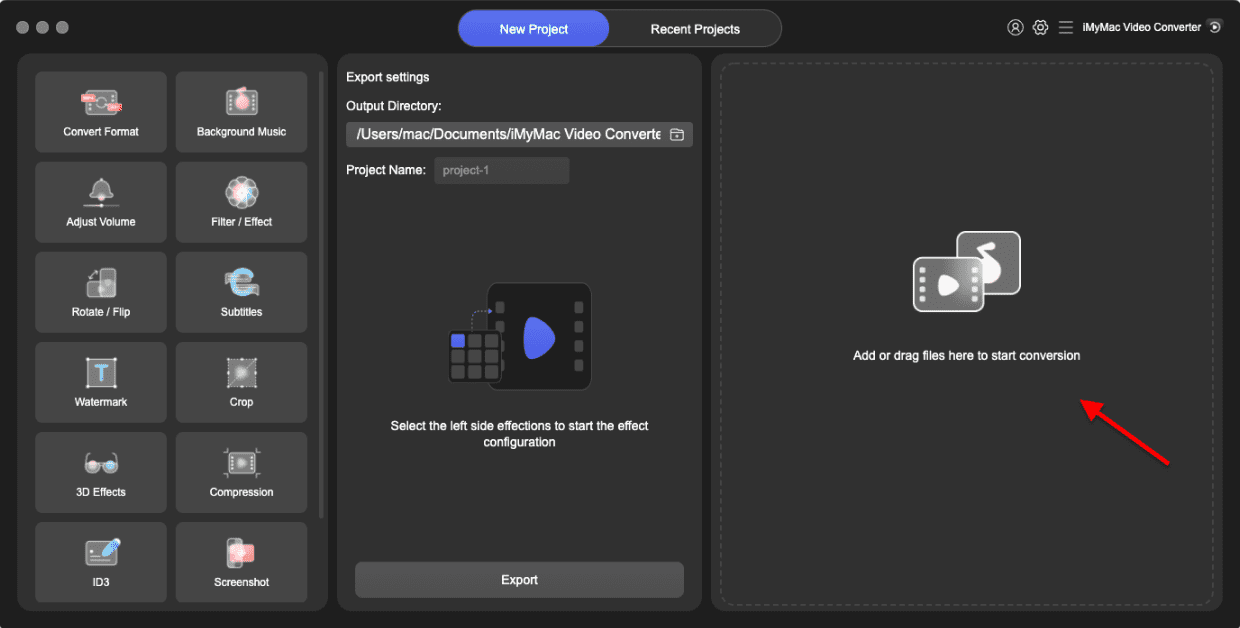
With iMyMac Video Converter, converting 3G2 files to AVI format is a breeze. Enjoy the convenience and flexibility of playing, editing, and sharing your videos in the widely supported AVI format. iMyMac Video Converter simplifies the process, ensuring that your video conversion experience is smooth and hassle-free. Give it a try and unlock the full potential of your 3G2 videos today.
Part 3. How to Convert 3G2 to AVI for Free Online?
Convertio.co
Convertio.co is a popular online file conversion platform that offers a convenient way to convert various file formats, including video, audio, images, documents, and more. With Convertio.co, you can easily convert your 3G2 files to AVI format without the need for any software installation. Here's how you can convert 3G2 to AVI using Convertio.co:
1. Visit the Convertio.co Website: Go to the official website of Convertio.co (https://convertio.co/) using your preferred web browser.
2. Upload your 3G2 Files: Click on the "Choose Files" button or drag and drop your 3G2 files into the designated area on the website. You can also upload files from various cloud storage platforms such as Google Drive, Dropbox, or directly from a URL.
3. Select AVI as the Output Format: After uploading your 3G2 files, choose AVI as the target format from the list of available formats. Convertio.co supports a wide range of output formats, and AVI should be among the options.
4. Optional: Customize Output Settings (if available): Depending on the platform, you may have the option to customize the output settings for the AVI format, such as video codec, resolution, or audio quality. If customization options are available, make the desired adjustments.
5. Start the Conversion: Once you've selected AVI as the output format and made any necessary adjustments, click on the "Convert" button to start the conversion process. The website will begin converting your 3G2 files to AVI format.
6. Download the Converted AVI Files: Once the conversion is complete, Convertio.co will provide a download link for the converted AVI files. Simply click on the "Download" button to save the converted files to your computer.
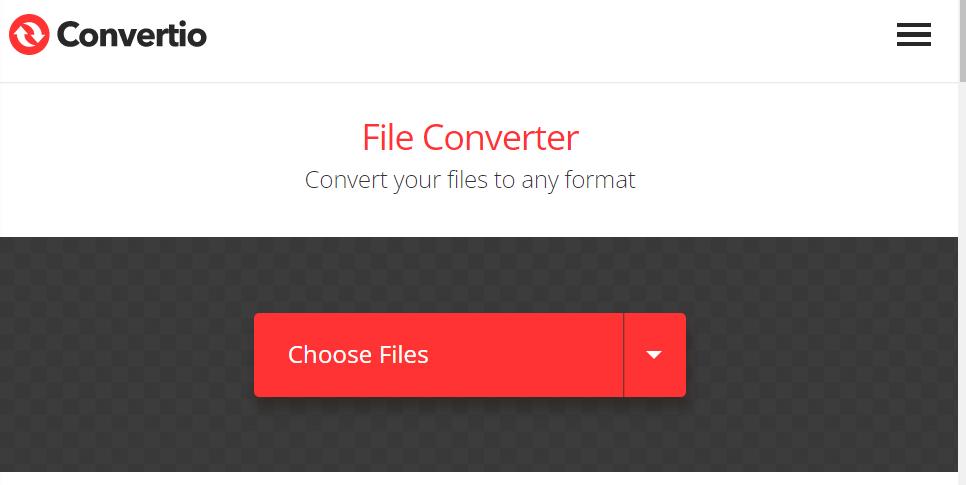
Convertio.co offers a convenient and straightforward method to convert your 3G2 files to AVI format online. It eliminates the need for complex software installations and allows you to convert your files quickly and efficiently. Give it a try and enjoy the convenience of online file conversion with Convertio.co.
CloudConvert.com
CloudConvert is an online file converter that supports over 200 different file formats. It can be used to convert audio, video, ebook, document, archive, spreadsheet, image, and presentation files. CloudConvert is a web-based application, so there is no need to download any software. It is also free to use for up to 25 conversions per month.
To use CloudConvert, simply upload the file you want to convert and select the desired output format. CloudConvert will then start the conversion process. Once the conversion is complete, you can download the converted file.
CloudConvert is a versatile and easy-to-use file converter. It is a great option for anyone who needs to convert files frequently.
Here are some of the features of CloudConvert:
● Supports over 200 different file formats
● Web-based application, no software required
● Free to use for up to 25 conversions per month
● Fast and reliable conversion speeds
● Secure and encrypted transfers
● User-friendly interface
● CloudConvert is a great option for anyone who needs to convert files frequently. It is a versatile, easy-to-use, and affordable solution.
Here are some of the benefits of using CloudConvert:
● Save time and effort by converting files online without having to download or install any software.
● Convert files to any format you need, including audio, video, document, ebook, archive, image, spreadsheet, and presentation formats.
● Get high-quality conversions with no loss of data or quality.
● Enjoy fast and reliable conversion speeds, even for large files.
● Secure and encrypted transfers to protect your files.
● User-friendly interface that makes it easy to convert files.
FreeConvert.com
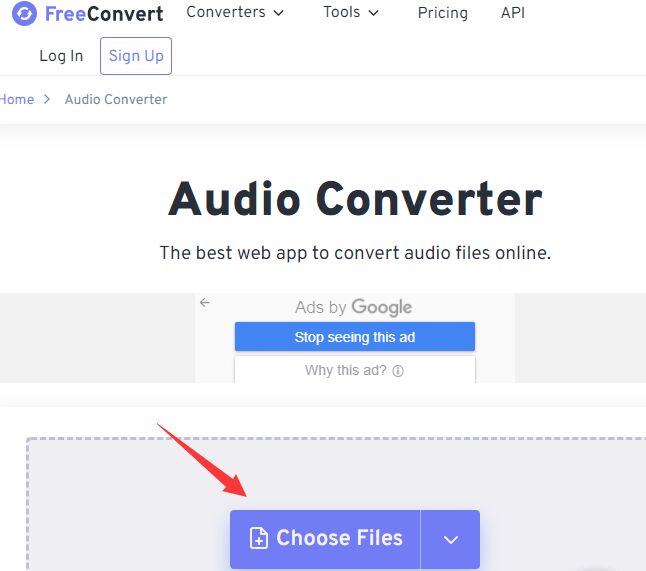
Another well-known website for online file conversion is FreeConvert.com, which enables you to convert a wide range of file formats, including audio, video, photos, documents, and more. You can quickly convert your 3G2 files to AVI format with FreeConvert.com without installing any additional software.
A simple and user-friendly way to convert your 3G2 files to AVI format online is provided by FreeConvert.com. It enables you to fast and effortlessly convert your files without the need for any additional software. Try it out and take advantage of FreeConvert.com's online file conversion simplicity.
Part 4. Conclusion
In conclusion, converting 3G2 files to AVI format offers numerous benefits and advantages. By converting your 3G2 files to AVI, you can enhance compatibility, improve video quality, and gain access to a wider range of editing and playback options.
Converting 3G2 files to AVI ensures compatibility across different devices and media players. AVI is a widely supported format that can be played on various platforms without the need for additional codecs or software. This means you can enjoy your videos on smartphones, tablets, computers, and even certain DVD players or gaming consoles.
We highly recommend iMyMac Video Converter as a reliable and efficient tool for converting video files, including 3G2 to AVI. iMyMac Video Converter offers a user-friendly interface and a wide range of features that make it a standout choice for video conversion tasks.


