


 Video Converter


Are you tired of dealing with TRP files? These files can be difficult to work with and often require specific software to view. Fortunately, the implement of the process to convert TRP to MPG format is a simple solution. In this article, we'll show you how to convert TRP files to MPG in just a few minutes. Say goodbye to the hassle of TRP files and hello to seamless viewing with MPG. Let's get started!
Contents: Part 1. Overview: TRP and MPGPart 2. Convert TRP Files to MPG on Windows/MacPart 3. Convert TRP Files to MPG OnlinePart 4. Conclusion
Part 1. Overview: TRP and MPG
Before exploring how to convert TRP to MPG, let's learning about the differences between TRP and MPG formats.
What is TRP?
A TRP file is a video file format that contains high-definition MPEG-2 Part 1 video, audio, and data streams. Commonly used in broadcasting and satellite systems, TRP files are often recorded via DVRs or set-top boxes. These files use the MPEG-2 transport stream container and are typically encrypted or encoded in a way that makes them incompatible with standard players or editors.
What is MPG?
MPG (or MPEG) is a widely-used multimedia format that uses either MPEG-1 or MPEG-2 compression. It offers efficient compression while maintaining decent video and audio quality. MPG files are compatible with almost all media players and video editing tools, making them ideal for sharing and archiving.
 Related Articles: MPG vs MP4: Which is Your Better Format?
Should I Convert TRP to MPG?
While both TRP and MPG use MPEG-2 compression, their container formats differ. TRP is optimized for broadcasting and streaming, often including additional metadata and multiple audio tracks. MPG, on the other hand, is streamlined for compatibility and playback. MPG files are more user-friendly and easier to manage, making conversion from TRP essential for broader usability.
Part 2. Convert TRP Files to MPG on Windows/Mac
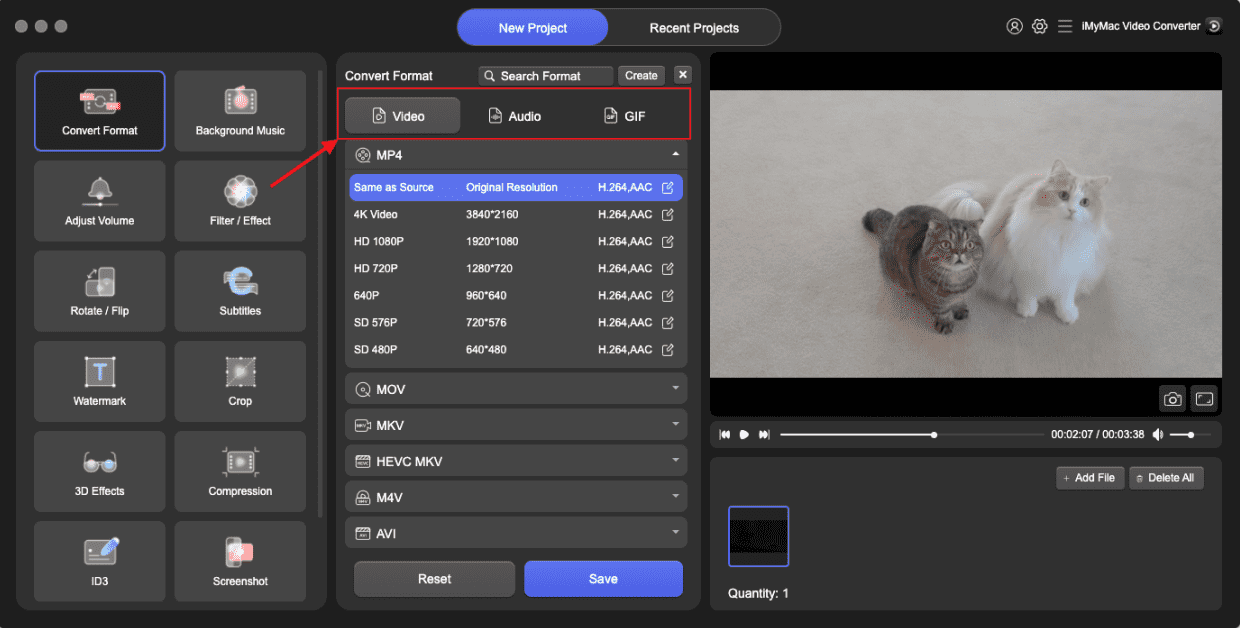
How to convert TRP to MPG in minutes? iMyMac Video Converter is a powerful tool designed to quickly and efficiently convert a wide range of video formats. It offers comprehensive features, including batch conversion, customizable output settings, and high-speed processing powered by hardware acceleration. Whether you're working on Windows or macOS, this TRP converter simplifies the task of transforming TRP files into MPG with minimal effort.
The great thing about this tool is that you can also edit your videos with it. For instance, you can rotate, trim, cut, or crop videos. You can also choose to edit saturation, hue, brightness, and other settings with the tool.
Key Features of iMyMac Video Converter
- Supports over 200 file formats including TRP, MPG, MP4, MOV, and more
- Batch conversion to process multiple files at once
- High-speed performance with GPU acceleration
- Built-in editing tools for trimming, cropping, and adding effects
- User-friendly interface suitable for beginners and professionals alike
- Lossless conversion that preserves video quality
How to Use iMyMac Video Converter
Let's explore how you can use iMyMac Video Converter to convert TRP to MPG effortlessly.
- Download and install iMyMac Video Converter on your Mac.
- Launch the software and click on the "Add File" button to import your TRP files to the software.
- Select MPG as the output format.
- Optionally, you can also edit your video files using the built-in video editor in iMyMac Video Converter. This includes features like trimming, cropping, adding watermarks, and more. And, you can select an output folder where the files will be saved.
- Once you're happy with the settings, click on the "Convert" button to begin the conversion process.
Part 3. Convert TRP Files to MPG Online
If you're looking for a TRP converter without installing any software, using online converters is a great way to get a smooth, effective conversion.
1. Media.io
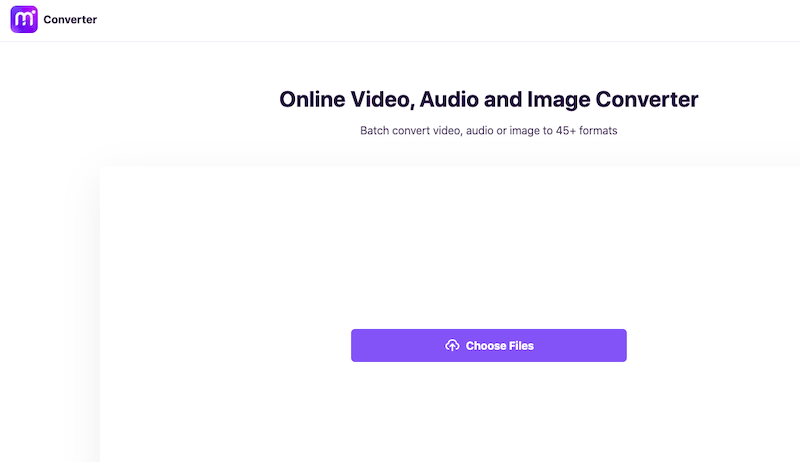
Media.io is a popular online video converter known for its clean interface and wide format support. As a cloud-based tool, it requires no installation and works on any browser. It supports TRP to MPG conversion, among many others, and includes useful features like batch uploads and simple editing tools.
Here are the steps to use Media.io to convert TRP to MPG:
- Using Media.io is simple and straightforward. Users simply need to upload their file to the website.
- Select the desired output format and settings.
- And then initiate the conversion process. The tool will then convert the file and provide a download link for the converted file.
One potential downside of Media.io is that it requires an internet connection to use, which can be a concern for users with slow or unreliable internet connections. Additionally, the free version of the tool may be limited in terms of file size or number of conversions allowed per day.
2. 101Convert.com
101convert.com is a free online file conversion application that allows users to convert a variety of file formats such as music, video, picture, and document files. Its ability to handle a broad range of file formats, including major video formats like MP4, AVI, and MOV, as well as less common formats like FLV and WMV, is one of its distinguishing features. The application also supports a number of music files, including MP3, WAV, and WMA, as well as picture formats such as JPG, PNG, and GIF.
One possible disadvantage of 101convert.com is that it may not provide as many customization choices as other converting programs. Furthermore, the free version of the program may be restricted in terms of file size or the number of conversions permitted each day. While it may not have all of the capabilities and customization possibilities available in more complicated conversion programs, it is a dependable and convenient alternative for many users.
Here are the steps to use 101convert.com:
- Visit 101Convert.com
- Upload your TRP file
- Select “MPG” as the output format
- Click “Convert”
- Download the file after conversion
3. CloudConvert
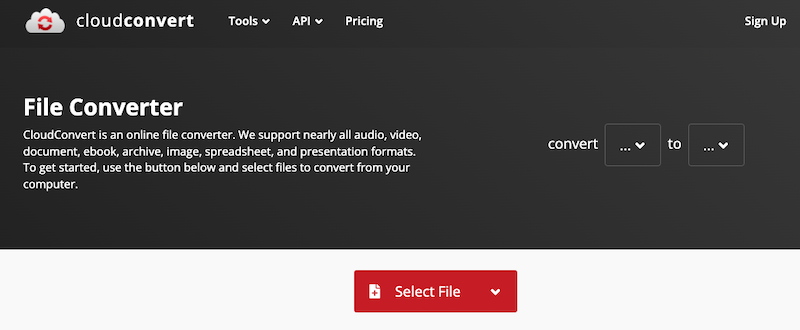
CloudConvert is a professional-grade online converter supporting over 200 file formats. It's highly customizable, allowing for advanced settings such as codec selection, resolution, and aspect ratio changes. Ideal for users who need more control over the conversion process.
Here are the steps to use CloudConvert:
- Go to CloudConvert.com
- Upload your TRP file
- Choose “MPG” as the target format
- Adjust settings if needed
- Click “Convert” and then download the result
Part 4. Conclusion
Converting TRP to MPG can significantly enhance the usability of your video files. Whether you prefer a robust offline tool like iMyMac Video Converter or the convenience of online platforms such as Media.io, 101Convert.com, or CloudConvert, there’s a solution that fits your needs. For frequent conversions or batch processing, a desktop solution is recommended to convert TRP to MPG files. Meanwhile, casual users may find online tools sufficient for quick, one-off conversions. Regardless of your method, transforming TRP to MPG takes only a few minutes and ensures your videos are ready for playback, editing, or sharing.


