


 Video Converter


If you're a video editing enthusiast, you know how important it is to have the right tools and software to get the job done. One of the most common issues that video editors face is compatibility between different file formats. MOV and DIVX are two popular video file formats that may not always be compatible with each other. However, with the right knowledge and tools, you can easily convert MOV to DIVX and vice versa.
In this article, we'll walk you through the process of converting MOV files to DIVX using various methods, including free and paid software. We'll also cover some important factors to consider when choosing a conversion tool and some tips for optimizing your video quality during the conversion process. By the end of this article, you'll have a better understanding of how to convert your video files and be able to streamline your video editing workflow.
Contents: Part 1. What Is DIVX Used for?Part 2. How to Convert MOV Files to DIVX Format Losslessly?Part 3. 4 Online Converters to Convert MOV Files to DIVX Format Part 4. Conclusion
Part 1. What Is DIVX Used for?
DIVX is a popular video codec that is used to compress and encode video files. It was originally developed as a way to make video files smaller without sacrificing quality, and has since become widely used for various applications, including streaming video, video on demand services, and digital video disc (DVD) backups.
One of the key advantages of DIVX is its ability to compress large video files into smaller sizes without significant loss of quality. This makes it an ideal format for storing and sharing video files online, as well as for creating backups of DVDs and other video content.
Additionally, DIVX supports a range of advanced features, such as multiple audio tracks and subtitles, making it a versatile format for a variety of applications. Overall, DIVX is a widely used and reliable video codec that is popular among video professionals and enthusiasts alike.
Part 2. How to Convert MOV Files to DIVX Format Losslessly?
How to convert MOV to DIVX format? iMyMac Video Converter is a versatile desktop application available for both Windows and macOS users. It supports a wide array of input and output formats and is well-suited for converting MOV files to DIVX without significant loss in quality. Not only DIVX, this powerful software also allows you to easily convert your MOV files to MP4, 3GP, WMV, MOV, AVI, and more, with just a few clicks.
In addition to format conversion, iMyMac Video Converter also offers built-in editing features such as trimming, cropping, adding subtitles, and adjusting video effects. Whether you're preparing videos for playback, editing, or sharing, this tool provides a user-friendly interface.
Here's a step-by-step guide on how to use iMyMac Video Converter to convert your files from MOV to DIVX:
Step 1: Download and Install iMyMac Video Converter
First, you need to download and install the iMyMac Video Converter on your computer. The software is available for both Windows and Mac operating systems, and you can download it from the iMyMac website.
Step 2: Import Your MOV Files
After installing the software, launch it, and then click on the "Add File" button to import your MOV files. You can also drag and drop your files directly into the software window.
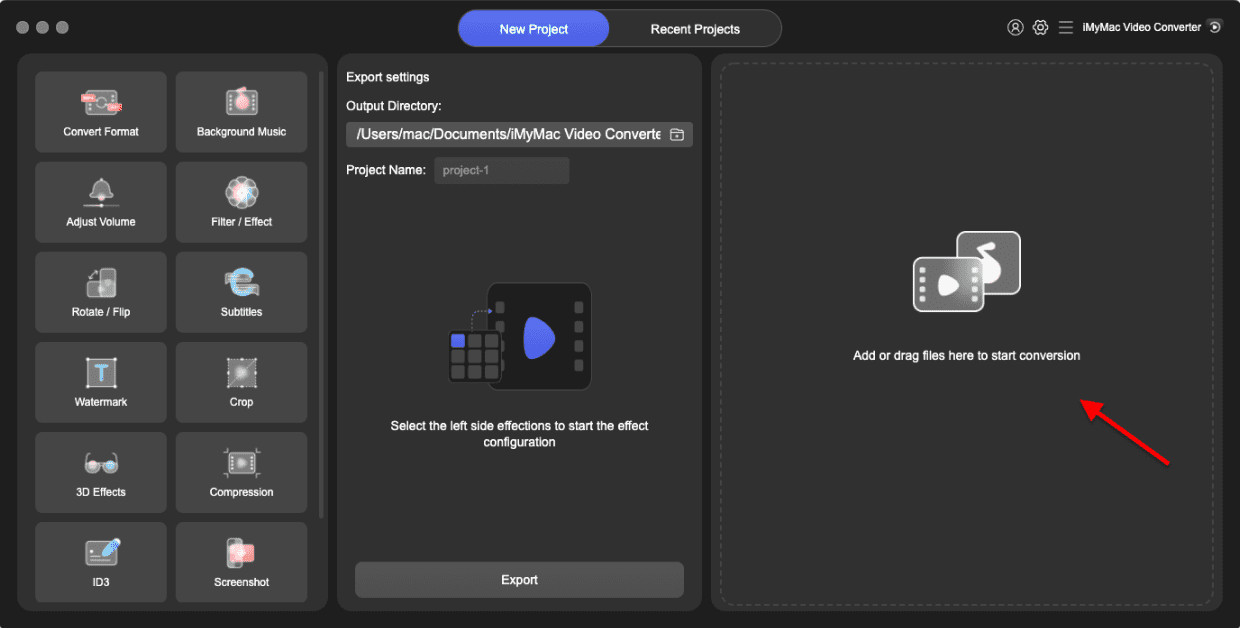
Step 3: Choose DIVX as the Output Format
Next, you need to select the DIVX format as the output format. Select a folder where the files will be saved.
Step 4: Adjust Output Settings (Optional)
If you want to adjust the output settings, you can do so by clicking on the "Settings" button. Here, you can change the video resolution, bit rate, and other parameters to optimize the output quality.
Step 5: Start the Conversion Process
Finally, click on the "Convert" button to start the conversion process. The software will begin converting your MOV files to DIVX format. You can monitor the progress of the conversion in real-time and even pause or stop the process if needed.
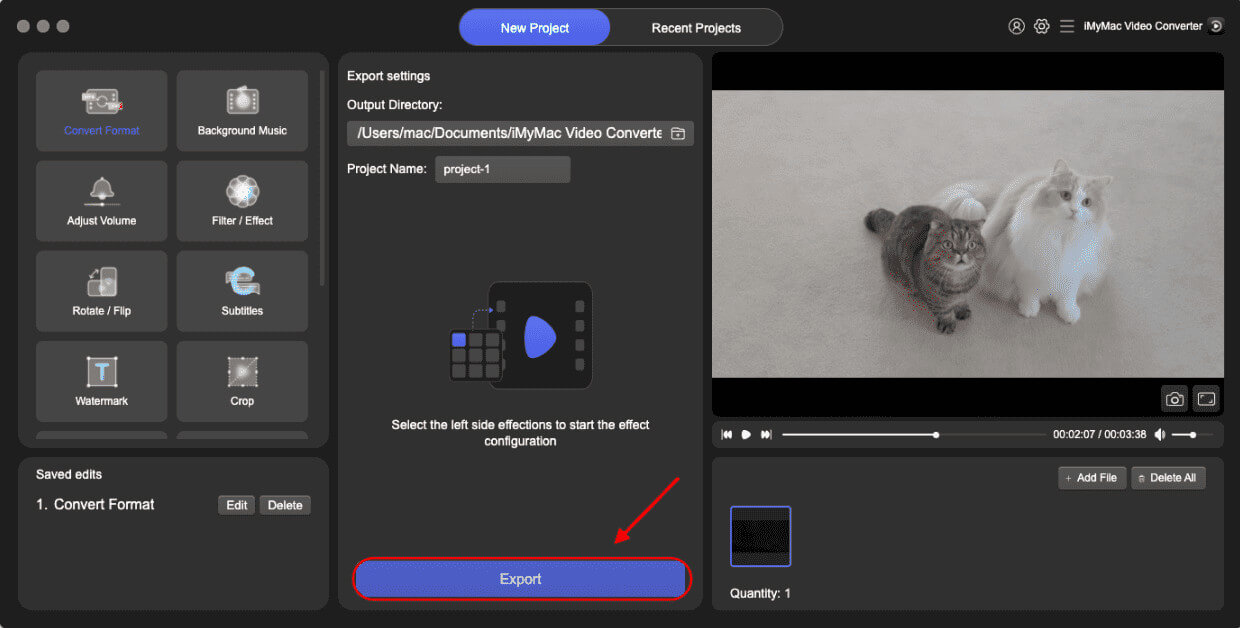
iMyMac Video Converter is an excellent tool for converting MOV files to DIVX format losslessly. With its user-friendly interface and intuitive features, even novice users can convert their video files with ease. So, if you're looking for a reliable and efficient way to convert your MOV files, give iMyMac Video Converter a try!
Part 3. 4 Online Converters to Convert MOV Files to DIVX Format
If you're not keen on installing software on your computer, there are many online MOV to DIVX transcoders available. In this section, we will introduce 4 popular online tools that allow you to convert your MOV files to the DIVX format quickly and easily.
Media.io
Media.io is a popular online video and audio converter that supports a wide range of file formats. The tool is free to use and allows users to convert their files quickly and easily without the need to install any software on their computer.
One of the key features of Media.io is its support for a wide range of file formats, including MOV, MP4, AVI, WMV, and more. This makes it a versatile tool that can handle almost any video or audio file format you may come across.
To convert your MOV files to DIVX using Media.io, follow these steps:
- Visit the Media.io website and click on the “Add your files” button.
- Select your MOV files from your computer and upload them to the platform.
- Choose the DIVX format as the output format.
- Click on the “Convert” button to start the conversion process.
Convertio.co
Convertio.co is another popular online file conversion tool that offers a wide range of features to its users. It supports the conversion of various file formats, including MOV to DIVX, making it a convenient tool for those looking to convert video files quickly and easily.
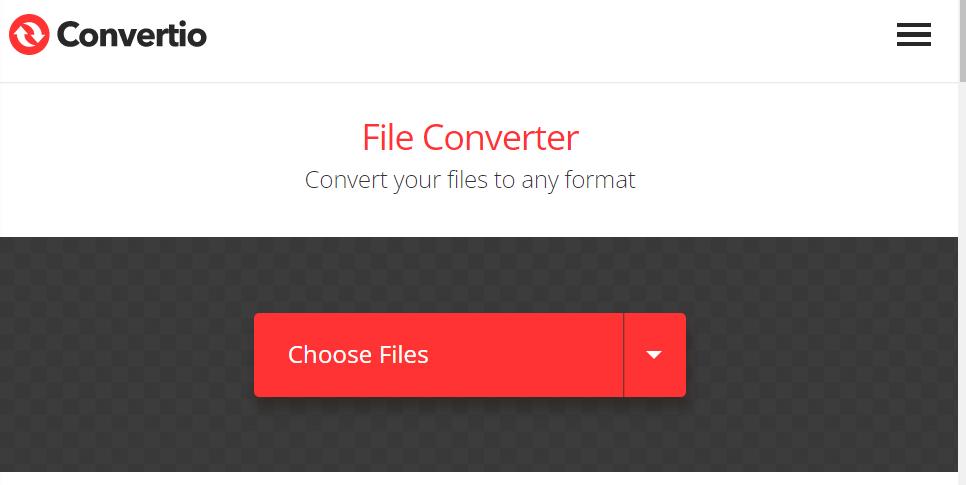
One of the standout features of Convertio.co is its ability to convert files in batches. This means that you can upload multiple files at once and have them all converted simultaneously, which can save you a lot of time and effort.
Convertio.co also offers a range of customization options for users. You can adjust the quality of your converted files by choosing from various output settings, such as resolution, bitrate, and frame rate. Additionally, you can choose to extract audio from video files, which can be helpful if you only need the audio portion of a video.
OnlineConvertFree.com
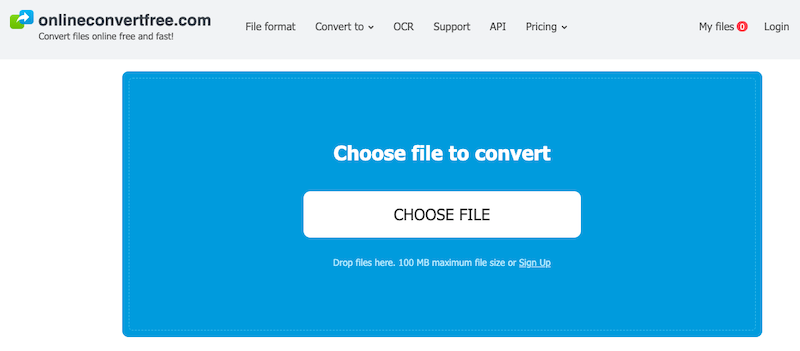
Onlineconvertfree.com is another online file conversion tool that supports the conversion of various file formats, including MOV to DIVX. The platform is free to use and does not require users to create an account or download any software.
One of the standout features of Onlineconvertfree.com is its ability to convert files quickly and efficiently. The platform uses advanced algorithms to ensure that files are converted as quickly as possible without sacrificing quality.
FileProInfo.com
Another online MOV converter worth mentioning is Fileproinfo.com. This tool is also free to use and supports the conversion of various file formats, including MOV to DIVX.
One of the unique features of Fileproinfo.com is its ability to extract audio from video files. This means that you can convert your MOV files to DIVX and extract the audio portion of the video, which can be helpful if you only need the audio for a particular project.
Fileproinfo.com also offers a simple and user-friendly interface that makes it easy to convert files quickly and efficiently. The platform allows users to upload their files, choose their desired output format, and customize their settings as needed.
Part 4. Conclusion
In conclusion, if you need to convert MOV to DIVX format, there are a variety of online tools available that can help you do so quickly and easily. However, for a more reliable and comprehensive solution, we recommend iMyMac Video Converter. With its user-friendly interface, customizable output settings, and lossless conversion capabilities, iMyMac Video Converter is a reliable and efficient tool that can help you convert your MOV files to DIVX format with ease.


