


 PowerMyMac


In today's fast-paced world, it's easy to forget important tasks and appointments. Whether you're a busy professional, a student, or a busy parent, it's crucial to have an effective reminder system in place. Luckily, users have a plethora of reminder apps for Mac to choose from. These apps can help you stay on top of your daily tasks, deadlines, and important events. In this article, we'll introduce you to the best reminder software for Mac users. With the help of these apps, you can stay organized and never forget anything again.
Contents: Part 1. 6 Best Reminder Applications for Mac (Free & Paid)Part 2. How to Choose the Best Reminder Application?Part 3. Clean Up Your Mac by Clearing Reminder App CachePart 4. Conclusion
Part 1. 6 Best Reminder Applications for Mac (Free & Paid)
In this part, we'll explore the top 6 reminder apps for Mac. Organize your life and complete tasks more reliably by using the best apps we've listed.
1. Apple Reminders (Free)
Apple Reminders is a native macOS application that’s perfect for users who want a simple and seamless reminder tool without needing to install anything extra. With its deep integration into the Apple ecosystem, tasks created on your Mac sync instantly with your iPhone, iPad, and even Apple Watch.
The app allows users to set both location and time-based alerts, use Siri to create voice commands, and organize tasks into grouped lists or subtasks. It even understands natural language inputs like “Take the trash out tomorrow at 6 p.m.” to streamline task creation. You can also share lists with others via iCloud, making it ideal for families or collaborative teams.
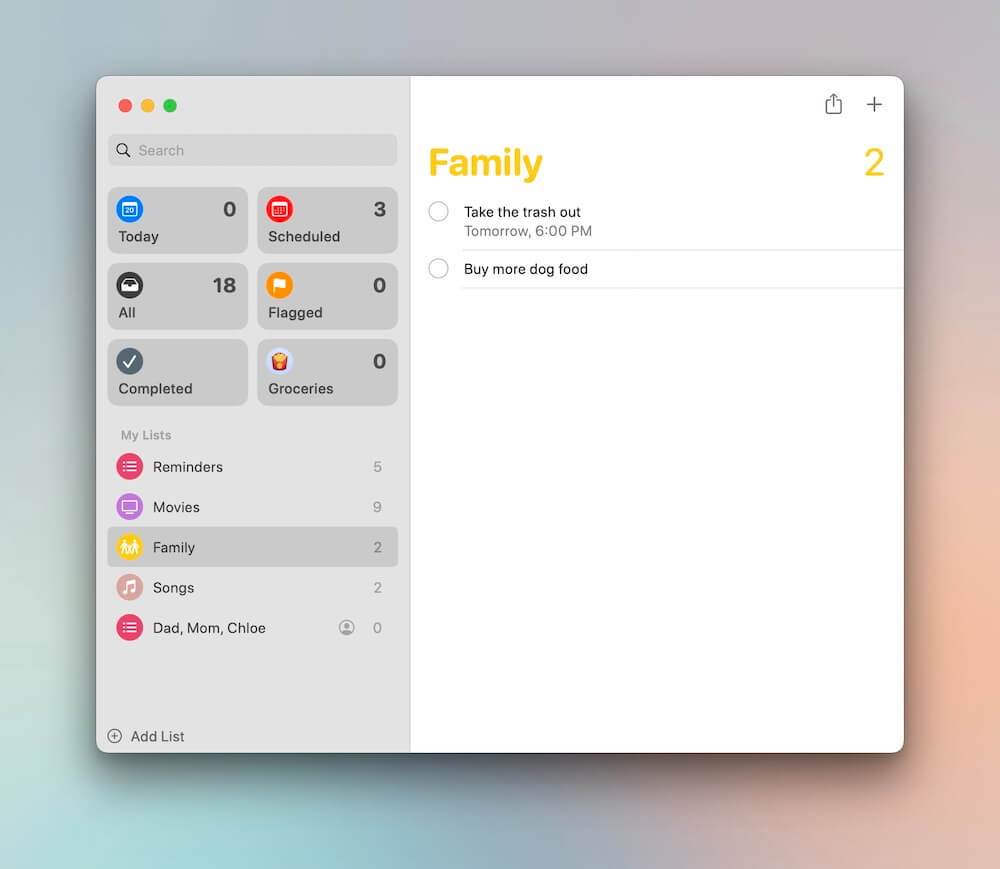
Best For: Apple users who want a native and free solution with basic but effective task management.
Pros:
- Completely free
- Integrated with macOS and iOS
- Syncs across Apple devices
Cons:
- Lacks advanced productivity tools
- Limited customization options
2. Microsoft To Do (Free)
One of the top reminder apps for Mac is Microsoft To Do. It is a sleek, easy-to-use task management tool that syncs seamlessly across devices. It’s particularly useful for Windows users or anyone invested in Microsoft 365, but its Mac app performs well too.
With features like subtasks, attachments, and due dates, it provides the essentials for everyday organization. Its signature “My Day” feature lets you create a focused list every morning, while color-coded lists and light/dark themes offer visual customization. You can also sync tasks with Outlook and collaborate with others by sharing lists.
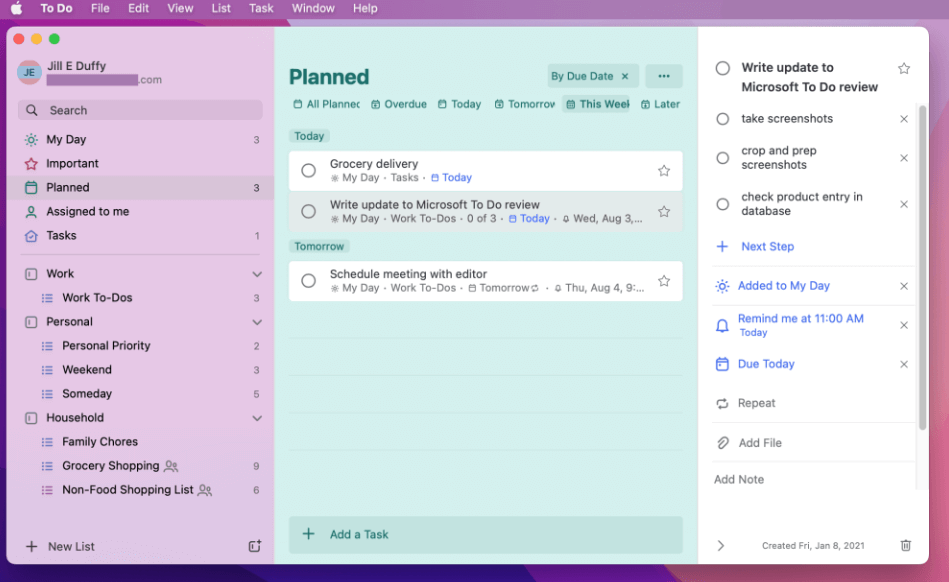
Best For: Users in the Microsoft ecosystem or looking for a free, reliable solution.
Pros:
- 100% free
- Clean and simple interface
- Cloud sync
Cons:
- Limited features compared to paid apps
- No Mac-specific shortcuts
3. Todoist (Free & Premium)
Todoist is one of the most versatile and well-known reminder apps for Mac today, offering excellent cross-platform support, including a robust Mac app. It’s ideal for users who want a balance of simplicity and advanced features.
Users can organize tasks into Projects, apply Labels and Filters, and use Priority flags to highlight urgency. It supports recurring tasks, natural language scheduling (like “every Sunday”), and productivity tracking with a Karma points system. Collaboration is easy thanks to task sharing and real-time commenting, while integration with tools like Gmail, Slack, and Google Calendar helps centralize your workflow.
Best For: Users who need a cross-platform app with collaboration tools.
Pros:
- Syncs across devices
- Integrates with calendar and third-party apps
- Intuitive UI
Cons:
- Some features locked behind Premium plan
- Free version has limited project sharing
4. TickTick (Free & Premium)
TickTick is a powerful all-in-one productivity tool that combines traditional to-do lists with additional features like habit tracking and Pomodoro timers. The Mac app is fluid and modern, making it suitable for both casual users and power planners.
You can create multiple lists, set recurring tasks, schedule events on the built-in calendar, and even record voice notes. The inclusion of a habit tracker and Pomodoro timer makes it stand out from competitors. Smart parsing, rich widgets, and seamless syncing across devices make it a strong choice.
Best For: Users who want task management plus productivity tools in one.
 You Might Also Like: 9 Best Productivity Apps for Mac
Pros:
- Built-in Pomodoro and habit tracker
- Great value for the free version
- Attractive UI
Cons:
- Premium plan required for advanced features
- Slight learning curve
5. Fantastical (Free & Premium)
One of the best reminder apps for Mac users, Fantastical, is a calendar-focused application that includes robust reminder and task features. Its smooth design and intuitive controls make scheduling and task creation a pleasure.
You can create tasks and events using natural language, such as “Football class on Monday at 10 AM,” and the app will automatically place them in the right calendar. Fantastical supports multiple calendar accounts, weather integration, and collaboration with invite tracking. Reminders are shown alongside your appointments for better day planning.
Best For: Users who want reminders tied closely to their calendar events.
Pros:
- Gorgeous design
- Powerful scheduling tools
- Syncs with all major calendar services
Cons:
- High subscription cost
- Mostly calendar-focused
6. Things 3 (Paid - $49.99)
If you’re willing to pay a little more for better productivity, there are some great premium reminder apps for Mac, too. One of the best is Things 3. It is a beautifully designed task manager tailored to users who value structure, aesthetics, and deep productivity features. It’s built around the Getting Things Done (GTD) method and provides an intuitive experience that suits both casual users and professionals.
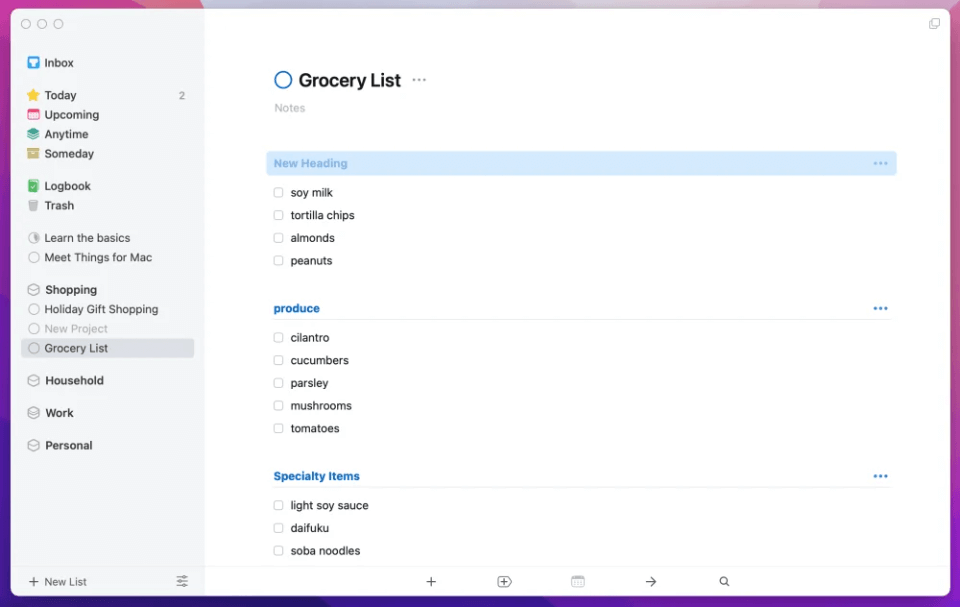
You can organize your work into Projects, Areas, and Tags, schedule tasks for Today, This Morning, or Someday, and easily drag-and-drop items for prioritization. The natural language input lets you type reminders quickly (e.g., "Dinner with Mary on Friday at 8 PM"), and integration with your calendar allows you to plan your day in full context. It also includes handy keyboard shortcuts, quick entry pop-ups, and an elegant timeline view.
Best For: Professionals, students, and productivity-focused users who want a structured task manager.
Pros:
- Beautiful and user-friendly interface
- Powerful task organization
- Reliable performance
Cons:
- Relatively expensive
- No Windows or Android support
Part 2. How to Choose the Best Reminder Application?
Reminder apps for Mac are useful tools for you that remind you of what you need to do. Choosing the best reminder app for Mac depends on your needs, workflow, and preferred ecosystem. Here are some key factors to consider:
- Platform Compatibility: Make sure the app works on all your devices.
- Feature Set: Do you need simple reminders or full project management tools?
- Ease of Use: A complex interface can hinder productivity.
- Price: Determine your budget—some premium apps may be worth the investment.
- Integration: Choose apps that sync with your calendar, email, or team tools if needed.
- Customization: If you like building your own workflows, apps like Notion offer great flexibility.
Part 3. Clean Up Your Mac by Clearing Reminder App Cache
Over time, even reminder apps for Mac can accumulate cache files that clutter your system and slow down performance. iMyMac PowerMyMac. is an all-in-one Mac maintenance tool that helps you optimize performance by clearing junk files, managing apps, and freeing up valuable disk space.
PowerMyMac is a powerful Mac cleaning and performance-enhancing tool designed to help users maintain a smooth-running system. It scans your Mac for unnecessary files such as system cache, app leftovers (including from reminder apps), log files, and duplicates, giving you full control over what to delete.
- Smart Cleanup: Quickly scans and removes junk files with one click.
- App Uninstaller: Thoroughly deletes apps and their associated files.
- Duplicate Finder: Identifies and deletes duplicate documents, images, and more.
- Privacy Manager: Clears browser histories, cookies, and app traces to protect your data.
- Performance Monitor: Keeps tabs on CPU, memory, and disk usage in real time.
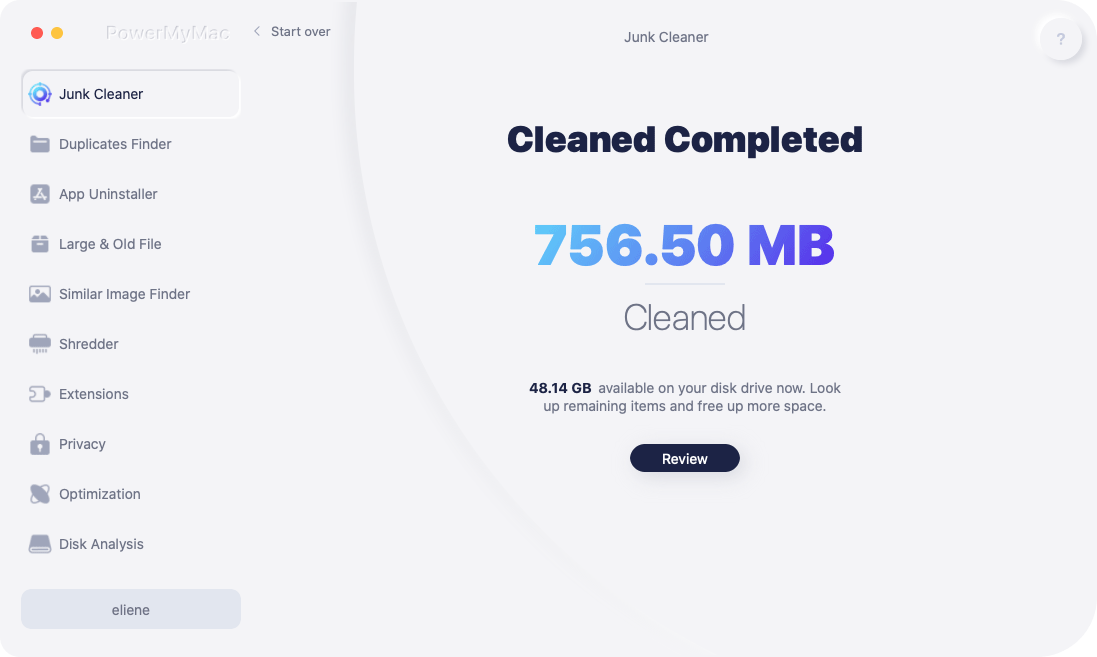
For reminder app users, PowerMyMac is particularly useful in clearing hidden cache files that may build up over time, especially if you’ve tried multiple reminder tools. By regularly cleaning your Mac, you ensure optimal speed and efficiency, helping your task management tools perform their best.
Part 4. Conclusion
There are many reminder apps for Mac that can be a game-changer for your productivity. Whether you need a simple free solution like Apple Reminders or a powerful, customizable platform like Things 3, there’s an option to match every workflow and budget. Don’t forget—keeping your Mac clean and optimized with tools like iMyMac PowerMyMac ensures your reminder apps run smoothly and your system stays clutter-free. Choose the reminder app that suits you best, and take the first step toward a more organized life today.


