


 Video Converter


RealNetworks RealPlayer media player software's file extension for audio and video files is RM. The media file format ".RM" was once used by many streaming media, online videos, and media available for download. As media technology advances, more and better video formats have begun to appear, and RM files are typically losing popularity.
On the internet, RM files are still accessible. RM files are still available today via a variety of means. It is preferable to convert RM files to a more appropriate media format like WMV as RM files are no longer widely used and are possibly incompatible with common media platforms. Here, we'll demonstrate how to convert RM to WMV.
Contents: Part 1. What Is RM Video File?Part 2. Best Way to Convert RM to WMV With Lossless QualityPart 3. Other Ways to Convert RM to WMV OnlinePart 4. Conclusion
Part 1. What Is RM Video File?
RealNetworks created the RM container format for multimedia files. It has effective compression and networks streaming capabilities and is typically used for streaming video over the internet. The RM format often includes video and audio data in addition to extra information for streaming. While RM files became popular in earlier times, their use has decreased over time as other generally accepted video formats have become more common. However, a lot of people still have RM files in their collections and may want to convert these to more adaptable formats like WMV (Windows Media Video).
Part 2. Best Way to Convert RM to WMV With Lossless Quality
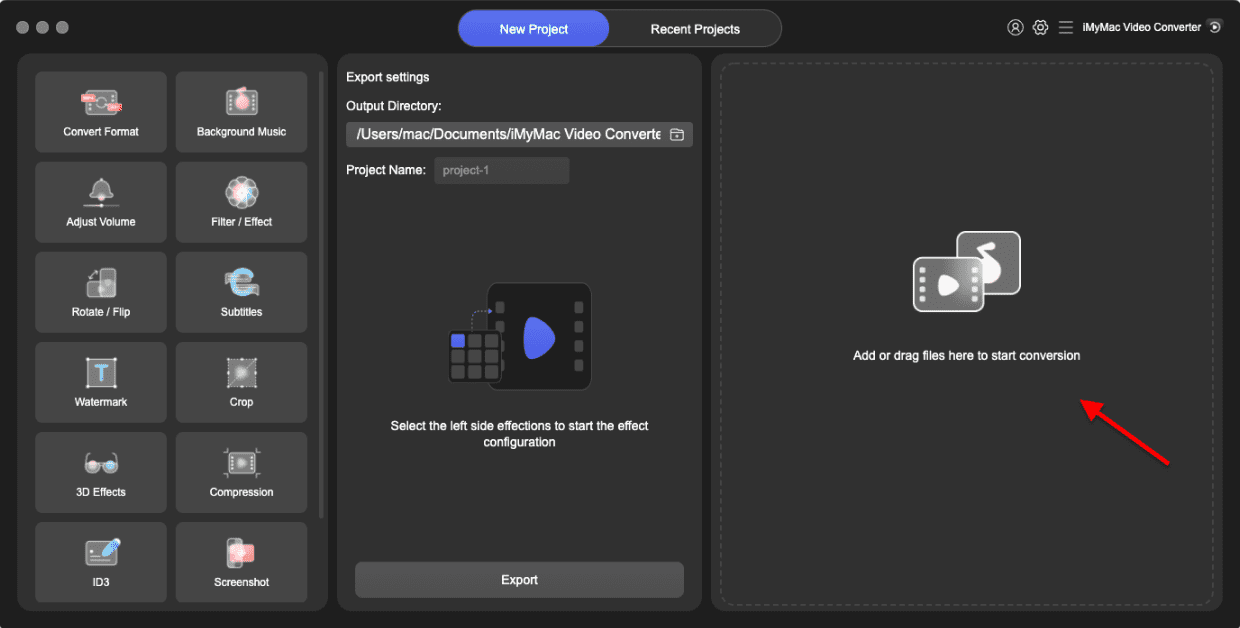
If you want to convert RM to WMV files, you should use iMyMac Video Converter. iMyMac Video Converter is an expert desktop application that enables users to convert audio and video files across various formats. Users will find it quite simple to use iMyMac Video Converter's user-friendly interface and run the application. Besides WMV, it can also help you easily convert RM into MP4.
Additionally, this tool can convert files across 100+ formats at a pace that is six times quicker than that of other popular video converters while maintaining 100% of the original quality. More remarkably, users are free to add subtitles and choose which audio track they want to include in the finished file. There are several input and output formats that iMyMac Video Converter supports.
- Start the Mac or Windows version of iMyMac Video Converter on your computer.
- Dragging and dropping the RM file onto the system's display is an additional option.
- When you click "Convert Format," a drop-down menu with choices like WMV will appear, enabling you to choose the sort of file the original should be converted into.
- Finding file revisions is made simpler by the UI. You are allowed to edit the files whatever you choose.
- By choosing Save, you may save all of your modifications.
- To start the conversion, choose a conversion option from the toolbar.
Part 3. Other Ways to Convert RM to WMV Online
Now aside from the fact that you can simply use the iMyMac Video Converter to convert your RM files to WMV, there are also other ways how you can convert it. And one of the options that you can do is by using a free tool for you to convert any file format that you want.
Convertio.co
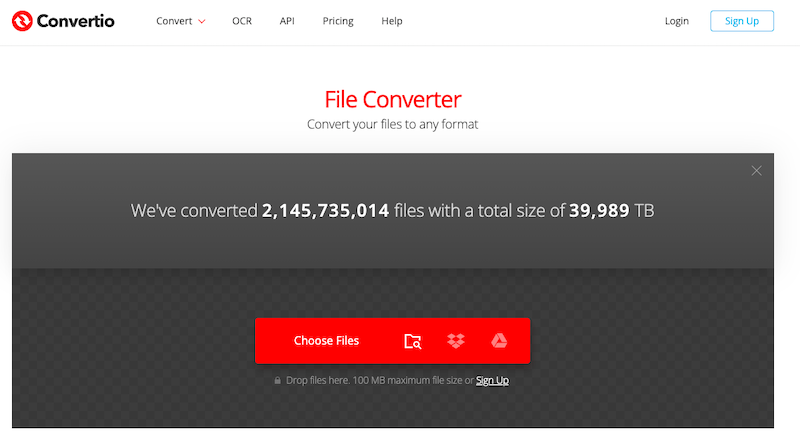
One excellent online free video converter to convert RM to WMV is Convertio. A variety of editing options are available from Convertio. Convertio provides you the choice of choosing video size, codec, and channel in addition to transcoding RM to any video format. Through URL connections, Google Drive, Dropbox, local storage, and other methods, file conversion is feasible. The largest conversion size, nevertheless, is 100MB.
- Launch a browser and navigate to Convertio.
- Use Dropbox, your computer, or Google Drive to upload your RM files. Keep in mind that free users' RM donations are restricted to 100MB.
- From the drop-down menu, choose RM. To alter the video and audio settings, access the Settings box by selecting the gear-shaped icon.
- To convert RM to WMV for free online, choose the Convert option.
- Obtain the WMV file and store it locally when the conversion is complete.
CloudConvert.com
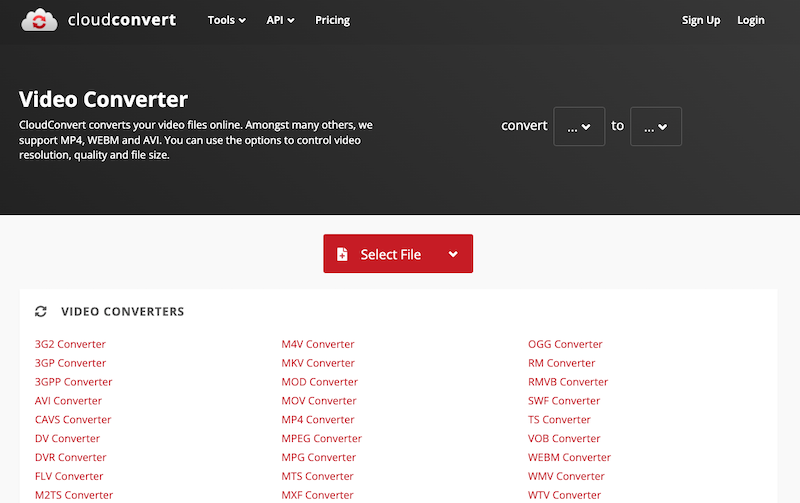
CloudConvert is a breath of new air in contrast to its competitors since it provides more services than only RM to WMV conversion. Using CloudConverter, you have the flexibility to change the output configuration to meet your needs. Additionally, it can convert several document kinds, including e-books and archives, so it's helpful in a number of situations. This online converter is the ideal choice for individuals who want total control over the conversion parameters. The program allows you to drag and drop RM files in a URL, your PC, Google Drive, or Dropbox. The RM file is imported and converted into WMV format before being downloaded from the program interface. However, it will take a lot longer to put data into this converter.
- Launch the CloudConvert RM to WMV converter. Click the "Select File" button to select your RM video, and then click "Upload."
- Click "Convert" to start converting the RM video to WMV at this point.
- When you're done, hit the green "Download" icon to download your video in WMV format.
FreeConvert.com
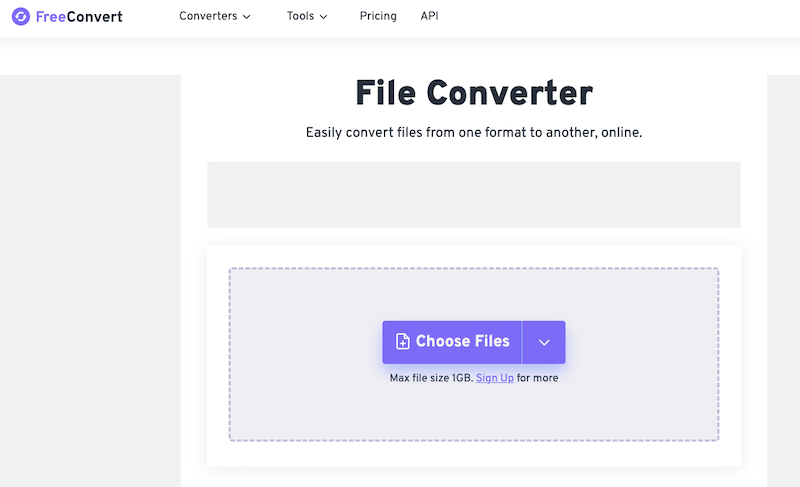
If you're looking for a free online RM to WMV converter, we suggest utilizing FreeConvert. This online converter can handle more than 1500 file kinds. You may now trust FreeConvert to convert RM to WMV formats. This web tool's 256-bit SSL encryption makes it safe and secure to use. The data won't exist 2 hours after the conversion, thus. Both experts and new users may make use of it since it is easy to use.
- Go to the Freeconvert website first.
- Select Choose Files, then click Open to choose the video you want to convert to RM format. All of the following are acceptable additions: a URL, a file on your computer, a Google Drive account, or a Dropbox account. An alternative option may be selected by clicking the right arrow next to "Choose Files."
- Hover the mouse cursor over the Cogwheel icon to alter the video or sound settings. Then, click Apply Settings.
- Select "WMV Conversion." Select Download WMV after the conversion is finished.
Part 4. Conclusion
In conclusion, switching RM to WMV format improves usability and compatibility. You have several options to quickly convert RM to WMV, whether you go with expert software like iMyMac Video Converter or web converters like Convertio.co, CloudConvert.com, or FreeConverter.com.


