


 PowerMyMac


Whether it's for a birthday, a business presentation, a wedding, or a school project, a good slideshow app can transform simple images and clips into a professional-looking video with transitions, music, and text. Luckily, macOS supports a wide range of powerful and easy-to-use slideshow software that caters to beginners and pros alike. In this article, we’ll explore the best slideshow apps for Mac to help you customize your memories.
Contents: Part 1: 6 Best Slideshow Maker Software for MacPart 2: Bonus – Clearing Unwanted Slideshows on MacPart 3: Conclusion
Part 1: 6 Best Slideshow Maker Software for Mac
Creating a stunning slideshow on your Mac is one of the best ways to preserve and present your favorite photos and videos. Below are the best slideshow apps for Mac to create a seamless display.
1. iMovie
Price: Free
iMovie is Apple's native video editing software, and it's perfect for creating beautiful slideshows with ease. With a simple drag-and-drop interface, it allows you to add photos, video clips, transitions, and music from your library. You can use built-in themes or customize everything from scratch. It's ideal for beginners who want a sleek, cinematic result without a steep learning curve. Exporting options include 4K resolution and direct sharing to YouTube or social platforms. iMovie’s seamless integration with other Apple devices makes it a great tool for everyday users and Mac loyalists.
 Related Article: How to Speed Up iMovie on Mac Effectively
2. Adobe Premiere Pro
Price: $20.99/month (as part of Adobe Creative Cloud)
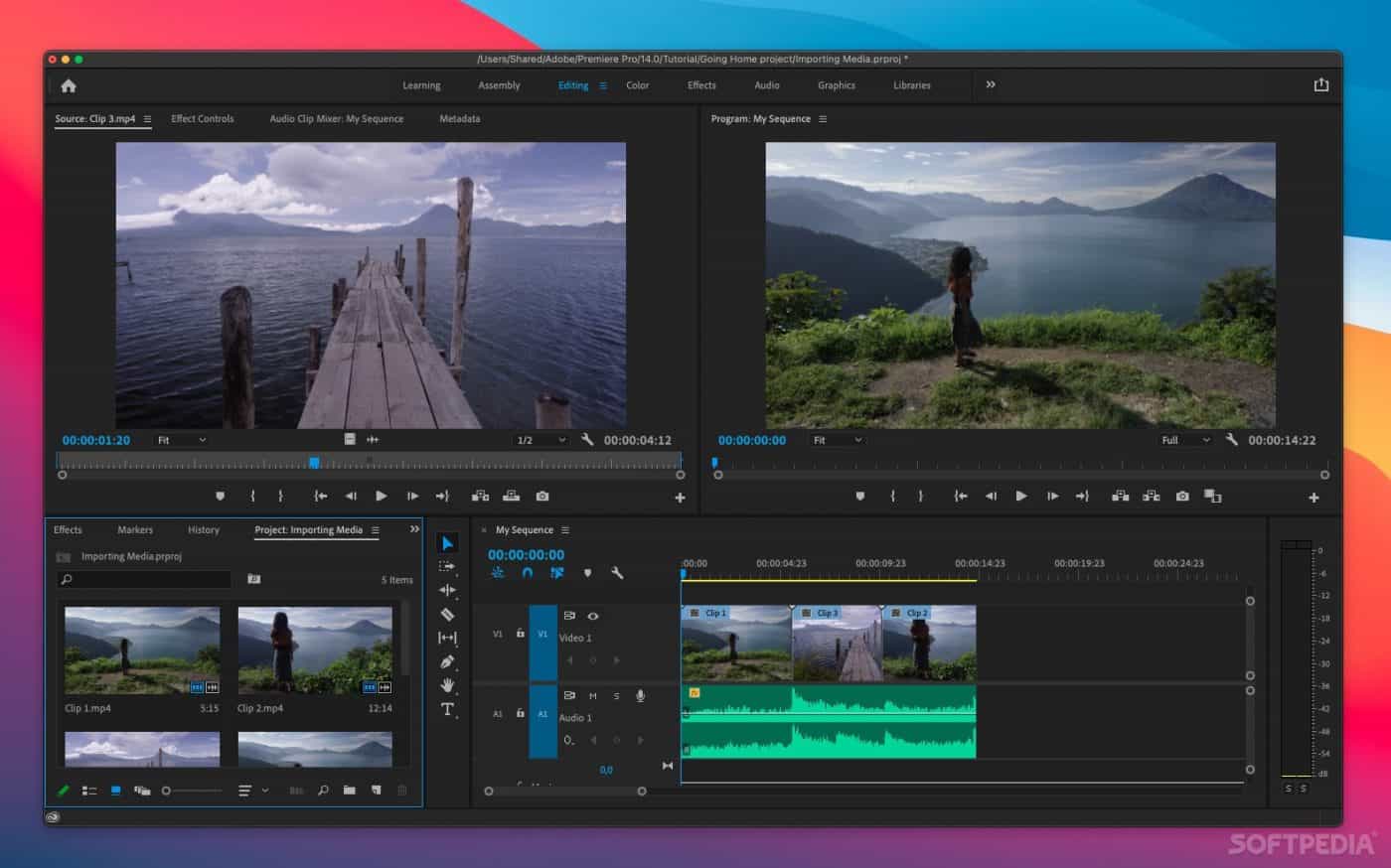
Adobe Premiere Pro is also one of the best slideshow apps for Mac. For professionals looking for top-tier slideshow creation, it is hard to beat. It supports extensive video editing tools, timeline-based sequencing, transitions, text overlays, and audio syncing. You can create dynamic slideshows with effects, voiceovers, and even animations. It’s best suited for video editors, marketers, or creators who want complete control and creative freedom. While the learning curve is steep, the capabilities are unmatched.
3. FotoMagico 6
Price: $79 (one-time) or $9.99/month subscription
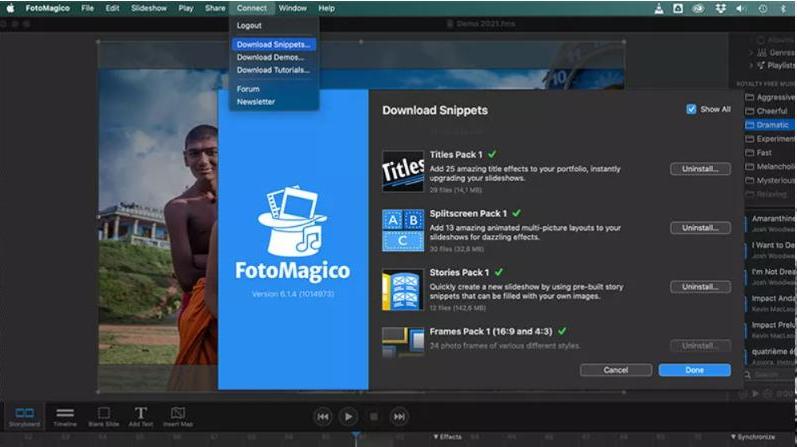
FotoMagico is one of the popular slideshow apps for Mac, made specifically for photographers and visual storytellers. It supports 4K video, high-resolution photo support, and synchronized music and voiceovers. Its intuitive interface makes it easy to create impressive slide shows without much effort. Special features include storyboard and timeline modes, audio markers, and animation controls. It’s great for professional photographers or serious hobbyists.
4. Movavi Slideshow Maker
Price: $39.95
Movavi Slideshow Maker combines simplicity with powerful features, making it one of the most user-friendly slideshow apps for Mac. With drag-and-drop functionality, ready-made templates, and transition effects, it's ideal for beginners. It includes basic editing tools, audio syncing, and export options in various formats. You can also add voiceovers and text captions. This app is perfect for casual users who want to make fast yet polished slideshows without investing in a pro-level tool.
5. Final Cut Pro
Price: Free
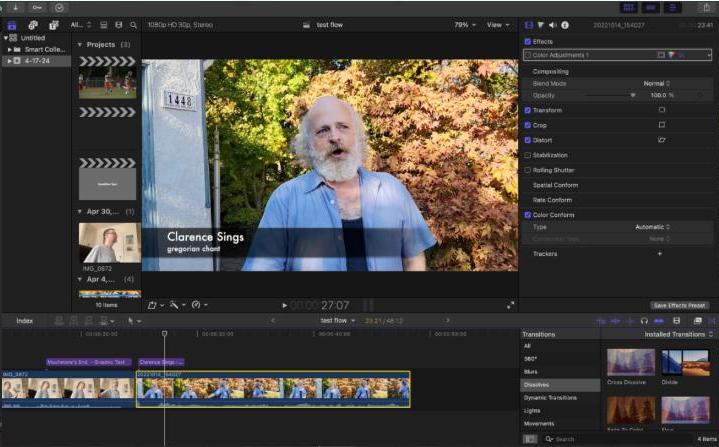
Final Cut Pro is a high-end video editing tool by Apple, designed for professional content creators. As one of the most advanced slideshow apps for Mac, it supports multi-cam editing, advanced transitions, motion graphics, and color grading. You can create stunning cinematic slideshows with ease, especially if you’re handling large files or complex media. Its magnetic timeline and background rendering make the process smooth and efficient. Best for filmmakers and advanced users looking for production-level results.
Related Article: How to Uninstall Final Cut Pro on Mac Completely
6. Keynote
Price: Free
Keynote is Apple’s presentation software but doubles as a solid slideshow maker. It supports animations, transitions, embedded videos, and rich media editing. While primarily used for business or educational presentations, it can create stylish photo/video slideshows with music and text. It’s great for users in the Apple ecosystem who want to keep things clean and professional.
Part 2: Bonus – Clearing Unwanted Slideshows on Mac
Above 6 best slideshow apps for Mac we've tested make it easier to exhibit your works and thoughts. But over time, your Mac may accumulate old or unnecessary slideshows, cluttering your storage and slowing down your system. This is where iMyMac PowerMyMac comes in handy. It’s an all-in-one Mac cleaner designed to optimize your system performance, reclaim disk space effortlessly and make room on Mac easily.
One of its standout features is the Large & Old Files Cleaner, which helps detect and remove outdated slideshow files and other unused media with just a few clicks. The software also offers modules like Junk File Cleaner, App Uninstaller, and Duplicate Finder, making it a comprehensive solution for maintaining your Mac. If you’ve created multiple slideshow projects using iMovie, Photos, or other apps and no longer need them, PowerMyMac allows you to safely identify and delete them without digging through your system manually.
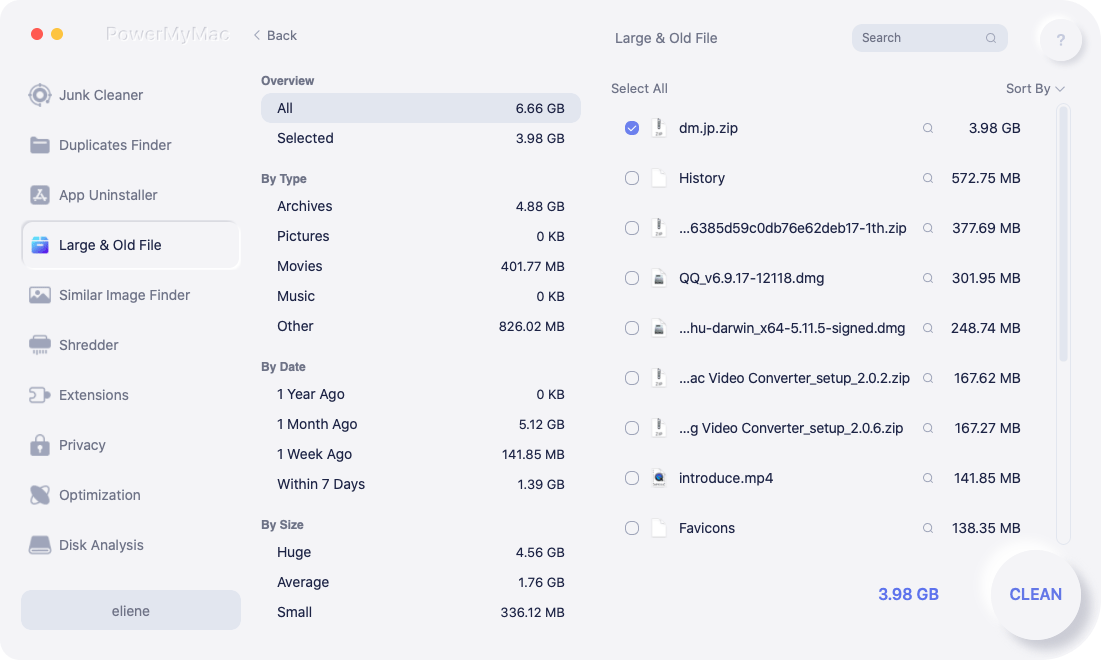
The user interface is intuitive, making it suitable even for non-tech-savvy users. You can also preview files before deletion to avoid accidentally removing anything important. Whether you're a casual Mac user or a frequent slideshow creator, keeping your system tidy ensures better performance and more storage space for your new creative projects.
Part 3: Conclusion
When you want to create attractive slideshows from photos and video clips, you have lots of options available. From beginner-friendly tools like iMovie to professional editors such as Final Cut Pro or Adobe Premiere, the variety of slideshow apps for Mac ensures there’s a perfect fit for every skill level and creative need. Don't forget to keep your system organized by clearing out old slideshows using PowerMyMac. With the right app and a clean workspace, your next photo or video montage will be more stunning—and more efficient to create—than ever before.


