


 PowerMyMac


Creating stunning presentations is crucial, whether you're pitching an idea, delivering a lecture, or preparing for a business meeting. For Mac users, the right presentation software can make the process smooth, efficient, and even enjoyable. In this guide, we’ve curated some best presentation software on Mac, catering to a range of styles and professional requirements. Whether you're a seasoned presenter or just starting, this guide will help you take your presentations to the next level. So, let's get started and discover them!
Contents: Part 1. 8 Best Presentation Software for Mac (Free & Paid)Part 2. Bonus: Clearing Unwanted Presentations from Your MacPart 3. Conclusion
Part 1. 8 Best Presentation Software for Mac (Free & Paid)
There are many highly versatile presentation software programs on the market. Here are the top 8 presentation software on Mac we have tried and tested:
1. Apple Keynote
Pricing: Free for macOS users
Keynote is Apple’s own presentation software on Mac, pre-installed on most Mac devices. It’s particularly popular among students, teachers, and professionals who value simplicity and elegance. Keynote features a wide range of templates, stunning animations, and smooth transitions that help create visually engaging presentations without requiring deep design skills.
Since it's deeply integrated into Apple’s ecosystem, users can easily sync and collaborate across Mac, iPhone, and iPad via iCloud. It also supports Apple Pencil for easy annotation on iPad. Users can collaborate in real-time, export presentations to PowerPoint, and present directly from their devices.
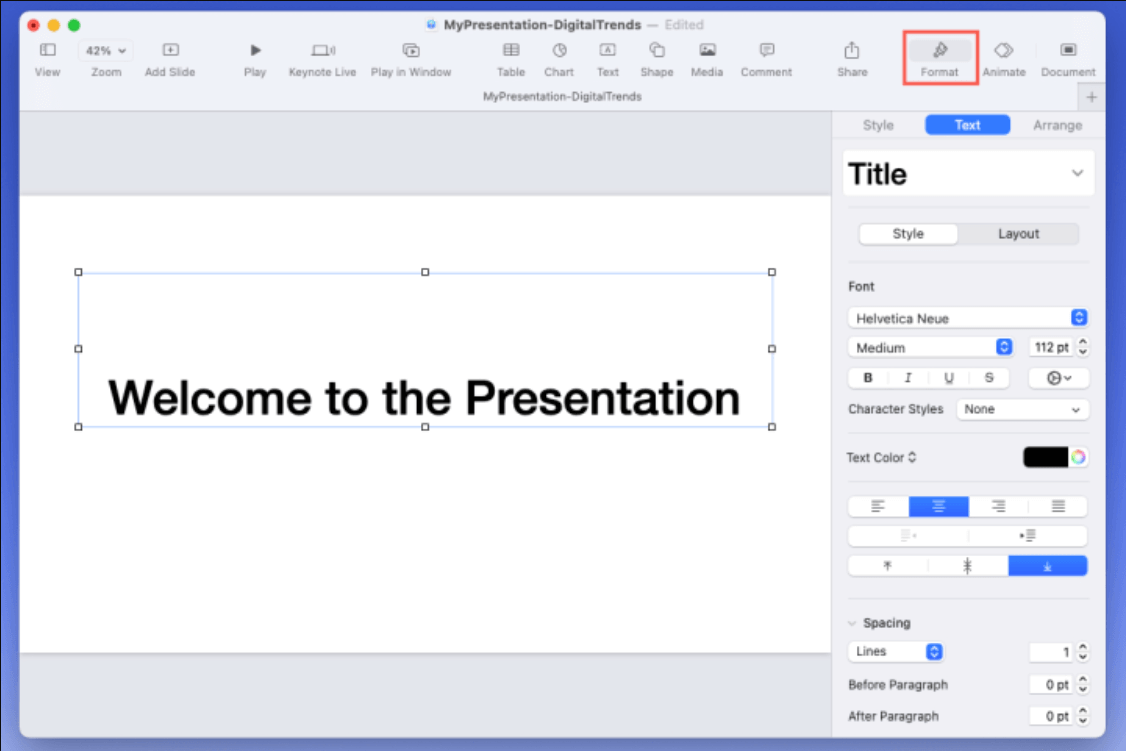
It's ideal for users who prefer a native Mac experience and value aesthetics. However, it's not as widely supported on non-Apple platforms, which could be a drawback for teams using mixed operating systems.
Pros:
- Beautiful templates and animations
- User-friendly interface
- Free for Mac users
Cons:
- Limited compatibility with non-Apple platforms
- Fewer advanced features compared to competitors
2. Microsoft PowerPoint
Pricing: Free with basic features. Paid option starts at $6.99/month (Microsoft 365 subscription).
Microsoft PowerPoint is one of the most recognized and powerful presentation software on Mac. Its legacy and feature set make it a favorite for business professionals, educators, and corporate teams. With hundreds of templates, advanced animation tools, and multimedia support, PowerPoint gives users total control over slide design and functionality.
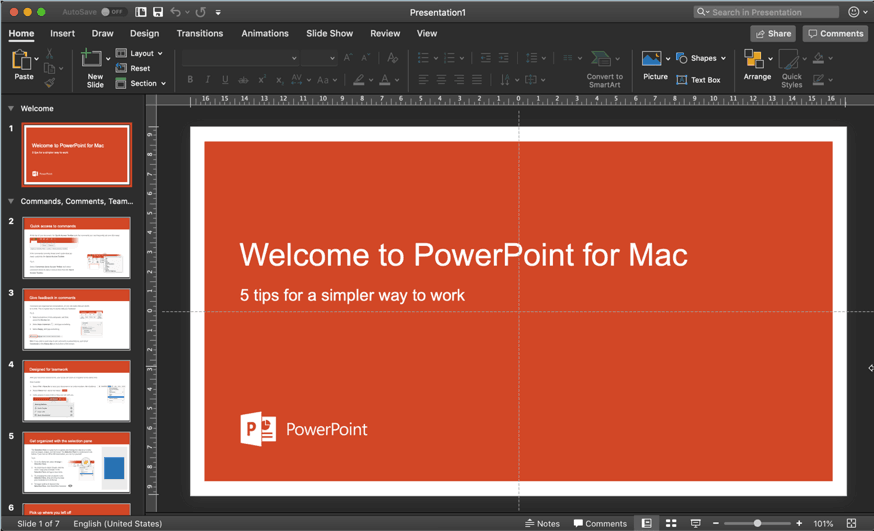
Its tight integration with Microsoft 365 and OneDrive enables real-time collaboration and seamless file sharing across devices and platforms. Mac users get almost all the features of the Windows version, including Presenter View, Slide Master, and embedded video support.
 Related Articles: How to Uninstall OneDrive on Mac?
Pros:
- Industry standard
- Excellent compatibility with Windows
- Rich multimedia support
Cons:
- Paid software
- Some features load slower on Mac
3. Google Slides
Pricing: Free for personal use; Business plans from $6/month
Google Slides is a web-based presentation software on Mac that’s part of the Google Workspace suite. Accessible through any web browser, it’s ideal for teams, educators, and remote workers who need to create and edit presentations on the go.
Google Slides allows multiple users to work on the same presentation in real-time, making it a popular choice for group projects and meetings. It auto-saves changes, keeps a version history, and integrates seamlessly with other Google Workspace tools like Drive, Docs, and Gmail. Mac users benefit from Google Slides’ device-agnostic approach, needing only an internet connection and a browser. The main limitations are its limited template variety and reliance on internet connectivity for most features. Still, for users seeking simplicity, sharing ease, and collaborative editing, Google Slides is a dependable and convenient tool.
Pros:
- 100% cloud-based
- Seamless collaboration
- Free for personal use
Cons:
- Requires internet for full functionality
- Limited template variety
4. Prezi
Pricing: Free limited version; Paid plans from $5/month
Prezi is a dynamic, cloud-based presentation software known for its unique zooming interface and non-linear presentation style. Unlike traditional slide-based tools like PowerPoint, Prezi lets users create visual “story maps” that allow you to zoom in and out of different topics, creating a more engaging and interactive experience.
Prezi is ideal for educators, marketers, and presenters who want to captivate their audience with storytelling rather than linear bullet points. It offers professionally designed templates, customizable paths, and multimedia support, including images, videos, and animations. Users can also collaborate in real time, making it suitable for team projects and remote work.
The platform includes Prezi Present for creating zoomable presentations, Prezi Video for adding interactive graphics while presenting on video calls, and Prezi Design for data visualizations and infographics. It runs entirely in the cloud and is accessible from any device, including Mac, via a web browser or desktop app.
Pros:
- Engaging and interactive
- Great for storytelling
- Cloud-based
Cons:
- Learning curve for new users
- Requires internet connection for some features
5. Canva
Pricing: Free basic version; Pro starts at $12.99/month
Canva is a graphic design platform that doubles as a presentation tool, tailored for users who want eye-catching slides without design experience. It’s a favorite among marketers, social media creators, students, and educators for its modern templates and intuitive drag-and-drop interface.
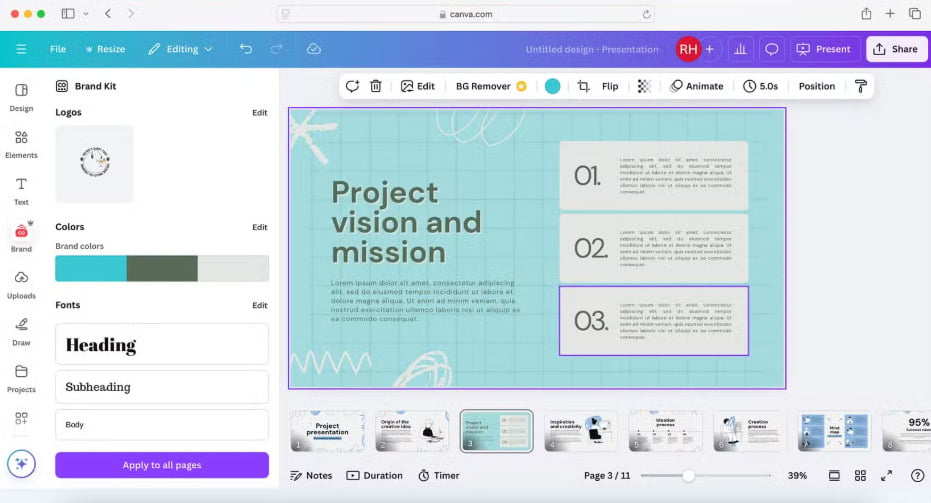
Canva offers a massive library of visuals, icons, animations, and fonts, helping users create polished presentations quickly. The built-in brand kit allows teams to maintain consistent branding, while collaboration tools let users comment and edit in real time. Canva also includes features like presentation recording, animated transitions, and export options for slides, videos, or PDFs. For users looking for a wonderful presentation software on Mac to quickly build presentations with visual impact, Canva is one of the top choices available.
Pros:
- Very user-friendly
- Beautiful design elements
- Free tier available
Cons:
- Limited advanced features
- Offline editing not supported
6. Beautiful.ai
Pricing: Pro plan starts at $12/month
Beautiful.ai brings artificial intelligence into presentation design, allowing users to create professional-quality slides with minimal effort. It’s tailored for professionals and teams who need polished presentations that adhere to design best practices—without hiring a designer. As you add content, the AI engine automatically adjusts layouts, spacing, and alignment, ensuring a clean and consistent look across all slides. The tool is great for sales teams, consultants, marketers, and project managers looking to save time while producing client-ready decks.
Features include smart templates, branding controls, analytics, and collaboration tools that streamline feedback and revision processes. Users can share or present directly from the cloud, and team plans include asset management and brand enforcement features. While Beautiful.ai does sacrifice some creative control for automation, it's a worthwhile tradeoff for users prioritizing efficiency and aesthetics. Mac users can access it via browser, with no installation required. Pricing starts with a free version, while Pro and Team plans unlock more features and integrations. If you're looking for a smart, efficient way to build presentations that look like they were made by a pro, Beautiful.ai is an excellent choice.
Pros:
- Time-saving
- Professional results with little effort
- Team collaboration
Cons:
- Can feel restrictive for creative users
- Limited offline support
7. Zoho Show
Pricing: Free limited version; Paid plan included in Zoho Workplace (starts at $3/user/month)
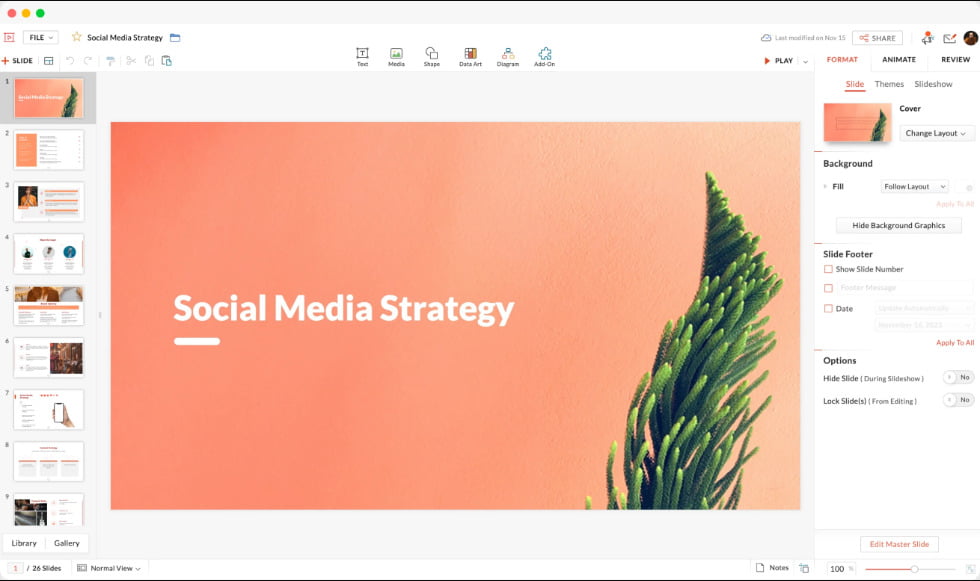
Zoho Show is a cloud-based presentation software on Mac that is part of the Zoho Office Suite. It enables users to create, edit, collaborate on, and present professional-quality slides directly from a web browser. Designed for both individuals and teams, Zoho Show is especially useful for businesses already using other Zoho applications like Zoho CRM or Zoho Projects.
The platform offers a clean, user-friendly interface with essential design tools, transitions, animations, and a library of templates. One of its standout features is real-time collaboration, allowing multiple users to co-edit presentations simultaneously, leave comments, and track changes. Zoho Show supports importing and exporting PowerPoint (PPTX) files, making it easy to work across platforms. It also offers integrations with Apple TV, Android TV, and mobile devices for on-the-go presentations.
Pros:
- Accessible from any device
- Includes a companion iOS app
- Real-time collaboration
- Works seamlessly with Zoho CRM, Zoho Docs, and other business apps.
Cons:
- Fewer templates, animations, and media options
- Occasionally slower than native Mac apps
- Offline editing is not available
- Fewer third-party integrations
8. Visme
Pricing: Free for basic plan; Starter plan at $12.25/month (billed annually) or $29/month (billed monthly); Pro plan at $24.75/month (billed annually) or $59/month (billed monthly)
Visme is a cloud-based design and presentation software for Mac that enables users to create visually engaging content such as presentations, infographics, reports, social media graphics, and interactive visuals. Designed with non-designers in mind, Visme combines ease of use with powerful customization tools, making it ideal for marketers, educators, business professionals, and content creators.
What sets Visme apart is its versatility. Users can choose from a wide range of pre-designed templates and visual assets, including charts, icons, maps, videos, and animations. The drag-and-drop interface allows anyone to create professional-grade visuals without needing advanced design skills. It also offers tools for branding, such as custom fonts, colors, and logos, especially useful for businesses maintaining visual consistency.
Pros:
- Hundreds of modern, customizable templates
- Intuitive for beginners; no design experience needed
- Includes advanced charts, maps, and infographic widgets
- Easily embed video, audio, forms, and interactive elements into slides
Cons:
- Limited functionality in the free plan
- Performance can lag with complex projects or large files
- Offline use not supported
Part 2. Bonus: Clearing Unwanted Presentations from Your Mac
As you work on multiple presentations, your Mac can become cluttered with old or duplicate files, slowing performance and eating up valuable space. That’s where iMyMac PowerMyMac comes in—a smart cleanup tool designed specifically for macOS users. It’s more than just a cleaner; it’s an all-in-one Mac management suite.
iMyMac PowerMyMac scans your system for redundant files, including outdated presentations, caches, and app leftovers. With a user-friendly interface and smart recommendations, it ensures your Mac stays fast and clutter-free.
- Smart Cleanup: Automatically detects and clears system junk files, including duplicate presentations.
- App Uninstaller: Cleanly removes applications and their leftovers.
- File Shredder: Securely deletes sensitive files beyond recovery.
- Performance Monitor: Real-time view of your Mac’s performance (CPU, memory, disk usage).
- Duplicate Finder: Locates and removes identical presentation files to free up space.
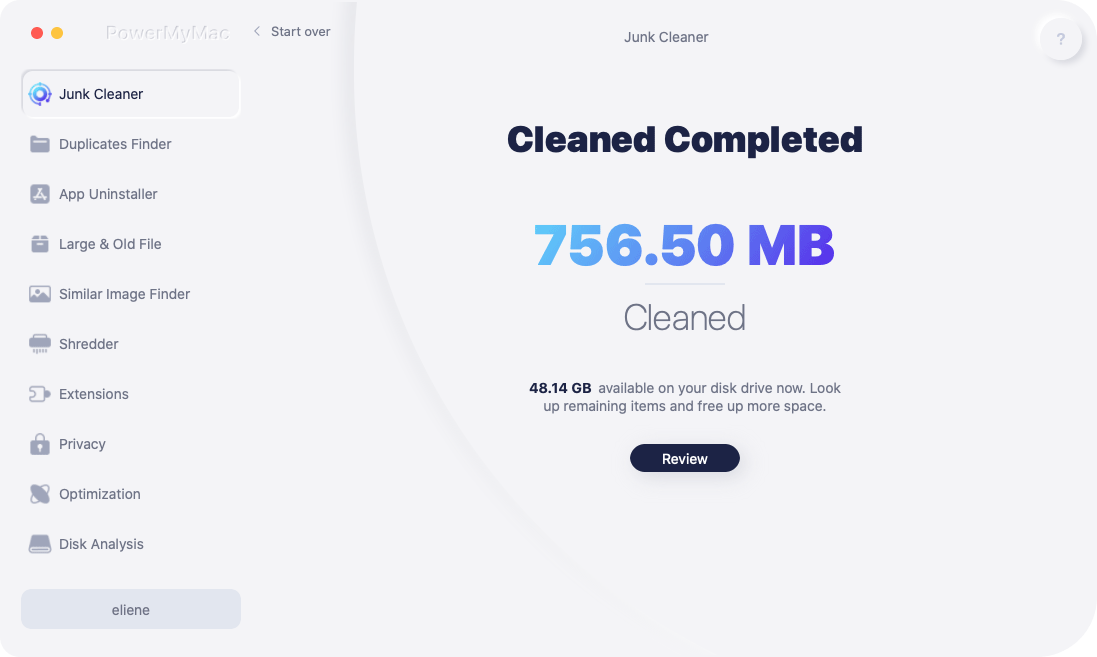
Whether you’re prepping for a big pitch or cleaning house at the end of a semester, PowerMyMac ensures your system remains optimized and distraction-free.
Part 3. Conclusion
Choosing the right presentation software on Mac depends on your goals, audience, and personal style. From the elegant simplicity of Keynote to the dynamic storytelling of Prezi or the AI-assisted design of Beautiful.ai, there's a tool for every purpose and preference. Equally important is maintaining a clean and efficient workspace—tools like iMyMac PowerMyMac help ensure your device runs smoothly by clearing old files and duplicates. Armed with the right software and a clutter-free Mac, you're ready to create presentations that inform, impress, and inspire.


